9
WARNING
Rotating Blades Can
Cause Severe Injury.
DO NOT reach into container
while machine is running.
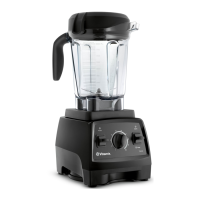
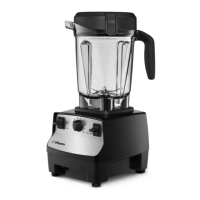
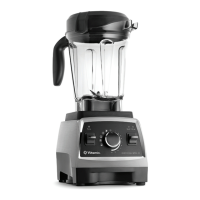
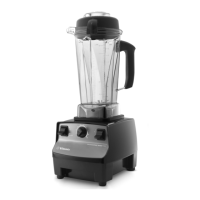
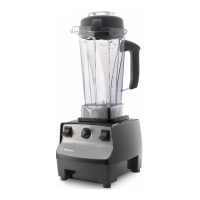
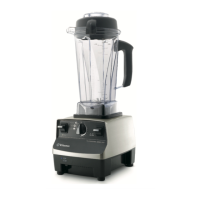
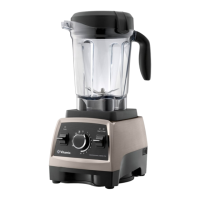
On / O Switch: The On / O (or Power) Switch is on the right-hand side of the
machine base. The On / O Switch controls the power to the machine.
Start / Stop Switch: Pressing down on the Start / Stop Switch will initiate the
blending process. Pressing down on the Start / Stop Switch again will stop the
blending process.
Variable Speed Dial: The center Variable Speed Dial serves two functions; the
use of five programs or the use of ten variable speed settings.
Pulse Switch ( ): The Pulse Switch can be used when using Variable Speeds
or Programs.
Container: Ounces, cups, and milliliters are clearly marked.
2-Part Lid: The 2-part Lid is easy to put on and take o and easy to clean.
Always use the lid and the lid plug when the machine is in operation.
CAUTION: Lids and tampers are not interchangeable between dierent
container styles, types, and sizes.
Snap the lid onto the container and leave in place for a few minutes. Once the lid
has been left on the container, it will be much easier to lock or remove.
Lid Plug: Insert through the lid and secure by turning clockwise. Remove the lid
plug to use the tamper or add ingredients.
Tamper: The tamper allows you to accelerate the process of very thick and / or
frozen mixtures that cannot be processed in a regular blender. Using the tamper
maintains circulation by preventing air pockets from forming.
PARTS AND FEATURES




 To Next Page