4
Step 12
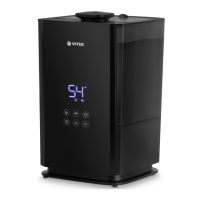
Activate the Bluetooth function
on your device if it was switched
off before.
Press «Allow».
Step 10
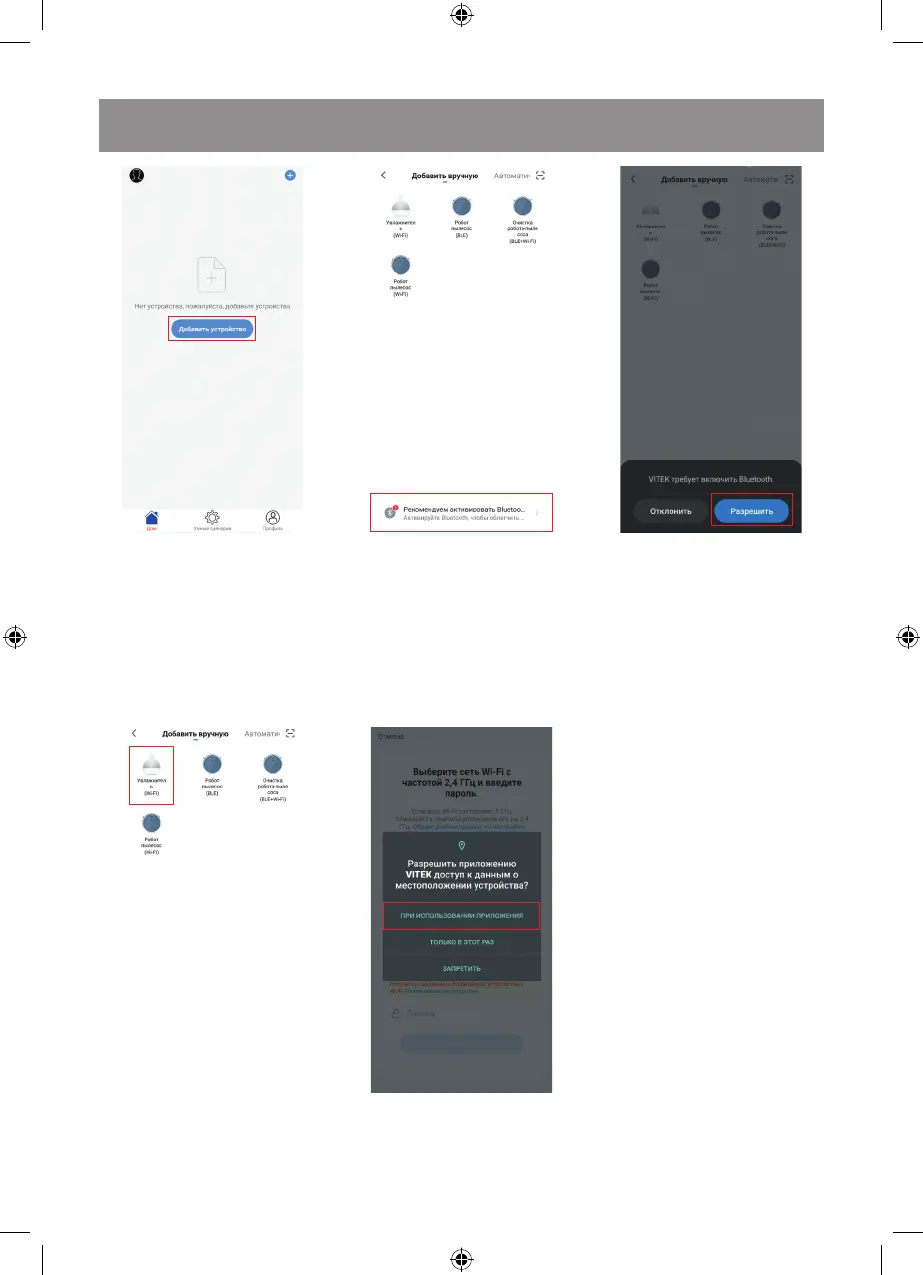
Press «Add a device».
Step 13
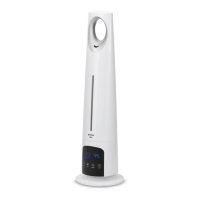
Press the icon
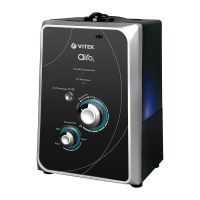
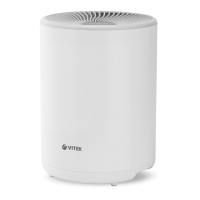
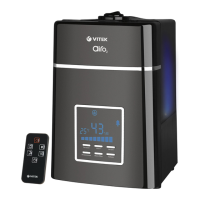
«Air humidifier (Wi-Fi)».
Step 11
Follow the recommendations.
Step 14
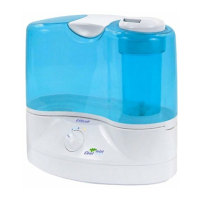
Allow the Vitek the access
to your device location data.
Press on the selected icon.



 To Next Page