5
Step 15
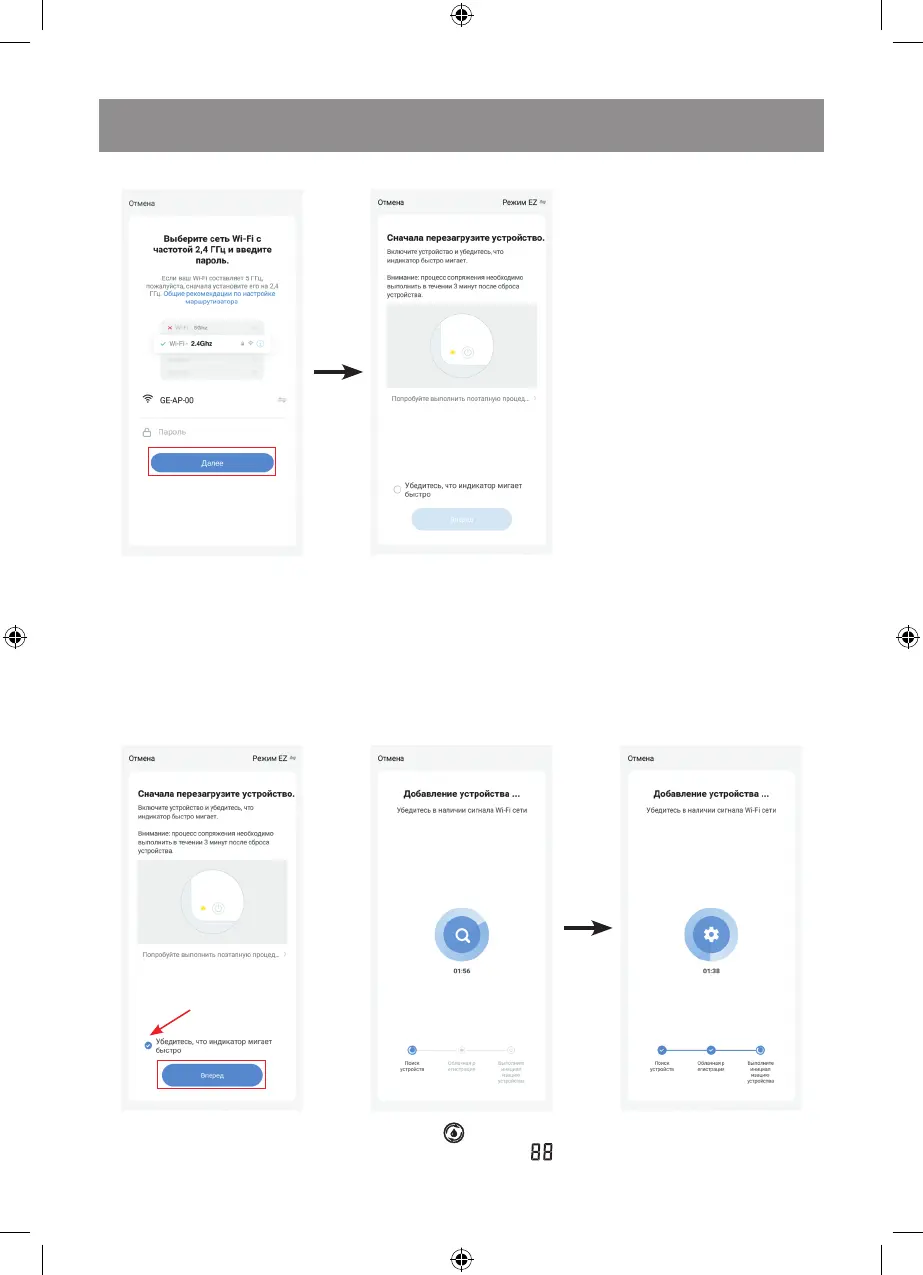
1. Make sure that your mobile
device has a persistent connection
to the Wi-Fi network.
If your router operates at 5 GHz,
then forcibly switch it to 2.4 GHz
Activating the Wi-Fi connection mode
before activating the connection
mode.
When activating the unit for
the first time, the Bluetooth
and Geolocation services must
be enabled.
Step 16
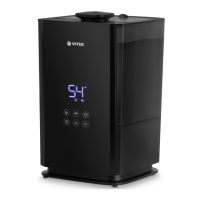
2. Plug the unit in, press the
relative room air humidity setting
Note: During the first activation
the Wi-Fi settings are transmitted
through the Bluetooth
connection. After the unit has
been successfully activated
the Bluetooth connection is no
longer required.
Follow further instructions.
Note:
– if your smartphone is already
connected to the Wi-Fi
network, the password can be
entered automatically. Then
click «Next». The display of
your mobile device will show
the next page.
– if there is no password for
the Wi-Fi network when you
connect to the app (free
access to the network),
then you don’t need to enter
any symbols to the Wi-Fi
password, just click «Next».
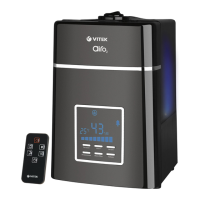
button (13) « » and hold it for
5 seconds. The symbol « »
will start blinking on the LED
display (9) which means that
the unit is ready for connection
at the first switching on.



 To Next Page