6
Control panel, Control functions
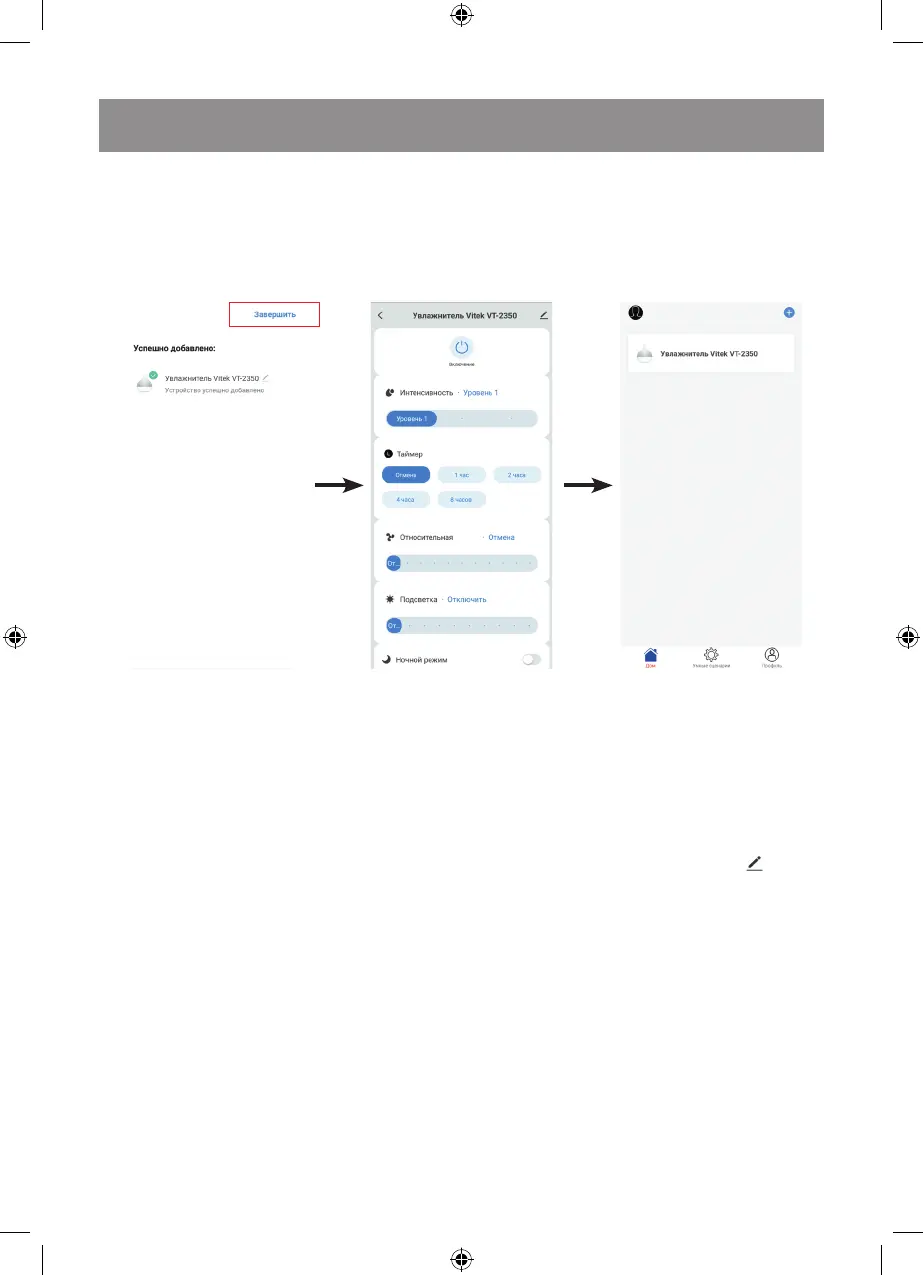
Open the humidifier control panel by clicking the corresponding icon on the homepage.
Name of the air humidifier: you can change the name of the humidifier by pressing the icon
in the top right corner of the control panel.
On - switching the air humidifier on/off.
Intensity - you can select one of 3 modes: Level 1, Level 2, Level 3. It will be shown on the control panel
as follows:
«Level 1» – number «1» is displayed;
«Level 2» – number «2» is displayed;
«Level 3» – number «3» is displayed.
Timer - You can set the timer operation time in the range from 1 to 8 hours. Unlock the action «Cancel»
and select the desired operation time.
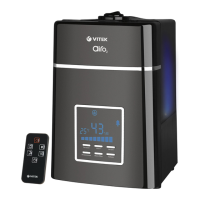
Relative humidity - the desired level of relative humidity in the room can be set in the range from 45% to
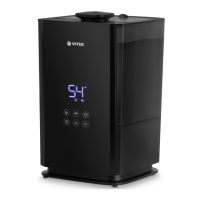
90% with a 5% step, the humidity level will be displayed on the LED-display (9) with digital symbols (18).
Lighting - allows to set a desired color of night lighting or to switch it off. You can choose one of seven
colors (red / purple / blue / pink / cyan / green / yellow); in «7 colors» mode, the lighting colors will
automatically alternate.
«Night mode» function - when this function is activated, the display (9) will dim the brightness, but the
humidifier functions will continue to operate.
Attention! After you plug the power cord into the mains socket, the screen of the device will be dark;
you don’t need to switch the device on first to connect to the Wi-Fi network.
To confirm the connection mode, press the mark (indicated with an arrow). Then press the button
«Next» to start the setup of the network.
A page showing the setup process will appear on the display of the mobile device.
Press «Finish» in the upper right corner of the mobile device, and the air humidifier control panel will
appear on the display. And an air humidifier icon will appear on the homepage of the program.



 To Next Page