11
1.4 Microscope Menu Functions
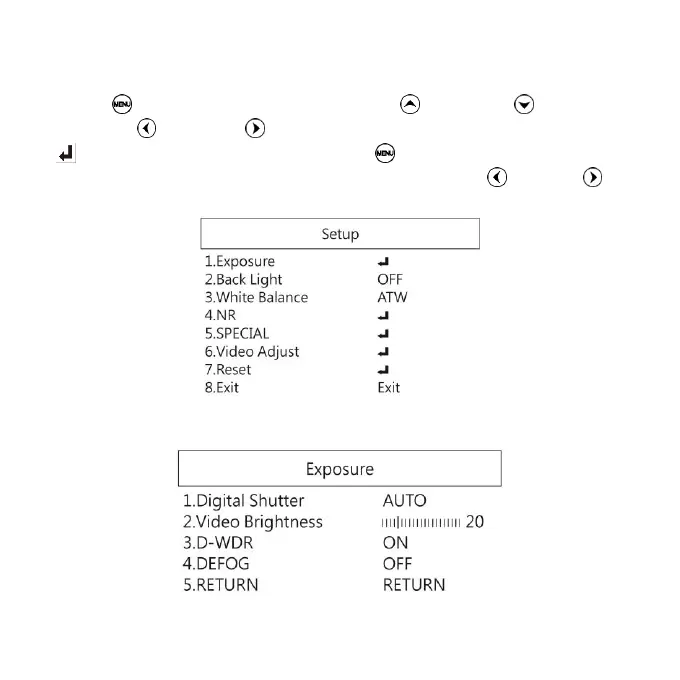
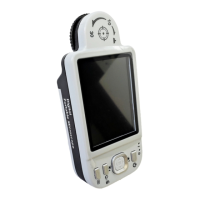
Press button to enter Setup, press Up and Down to choose
item, Left and Right to turn on/off or adjust parameter. Enter
means more functions, press Menu to enter next function or
confirm. Return is Return to last page, or press Left or Right
to choose “Exit” to the preview window.
1.4.1 Exposure
To set exposure time, see below:


 To Next Page