24
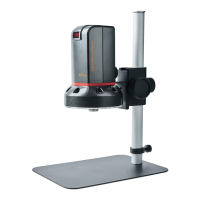
1.5 Microscope Introduction:
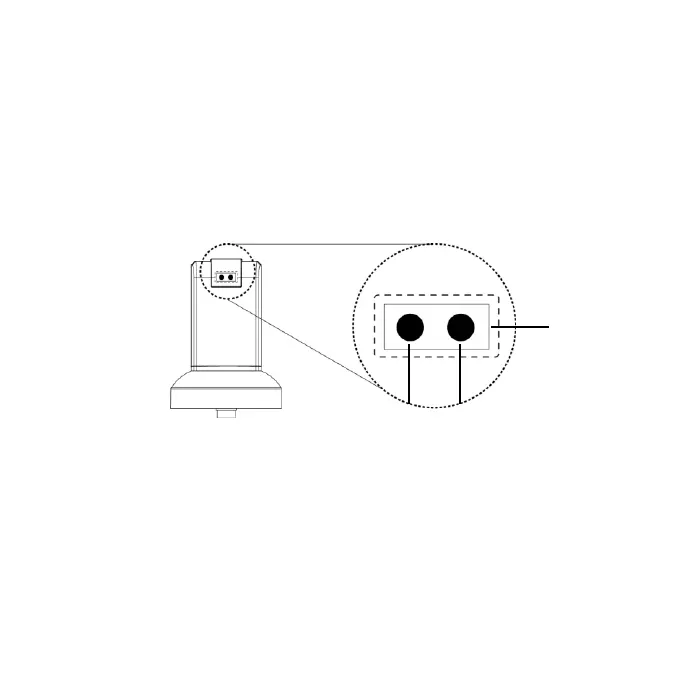
1.5.1 IR Remote Area/Indicator
When both ○
g
and ○
h
LED indicator blinks, the
microscope is in standby mode.
Caution: Please remove the transparent protection sheet
on the IR receiver area.
(1) IR remote control aiming area○
f
: The indicator will blink
whenever buttons are pressed. If the indicator did not blink
means the signal was not delivered and please press again.
(2) HDMI indicator○
g
:When lit up, the microscope is in HDMI
mode. If light blinks, means microscope does not connect with
monitor.
g
h
f


 To Next Page