4
1.2.3 Power On/Off
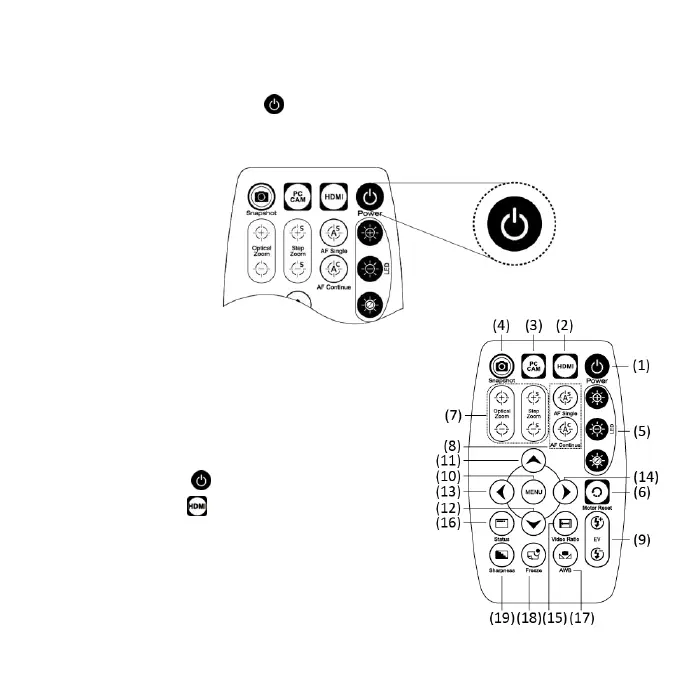
Press Power to turn on microscope. Choose HDMI
mode to output image.
1.3 IR Remote Control
The microscope operation and functions
is controlled by the IR remote control.
*Long press means press and hold the
button for 2 seconds*
(1) Power :Turn on/off.
(2) HDMI :Picture and Video
Playback function. Video only
show first frame, not the whole
video.



 To Next Page