22
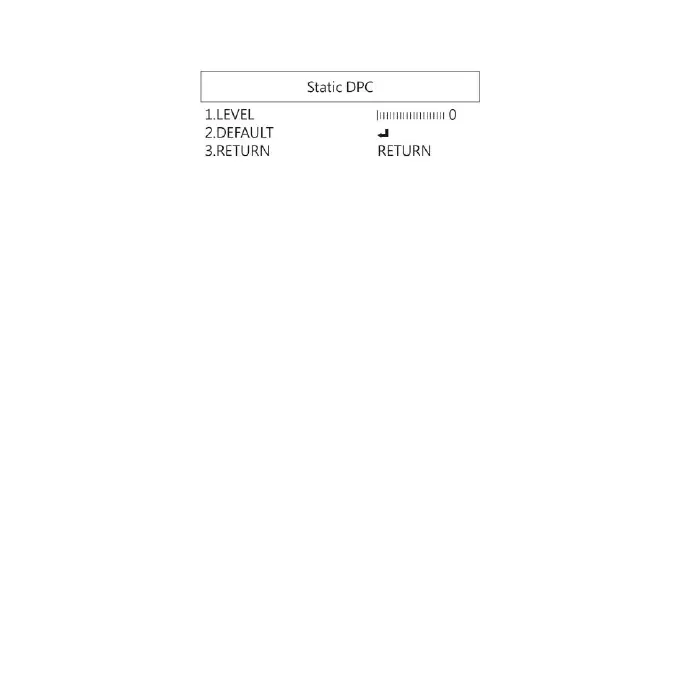
(4-2-1) LEVEL: Set the threshold value to judge if it needs
to be corrected.
(4-2-2) DEFAULT: Return to factory setting
(4-2-3) RETURN: Choose from RETURN/EXIT (Auto Save
Setting) or Return/Exit without Save setting.
(6) VERSION: Firmware version.
(7) Format SD Card: : Format SD Card when using new one or
unable to recognize the current one. Format in FAT32
format in order to have better file compatibility.
(8) Resolution: Choose Video Record resolution.
(9) Return: Choose from RETURN/EXIT (Auto Save Setting) or
Return/Exit without Save setting.
1.4.6 Video Adjust
Image Adjustment


 To Next Page