8
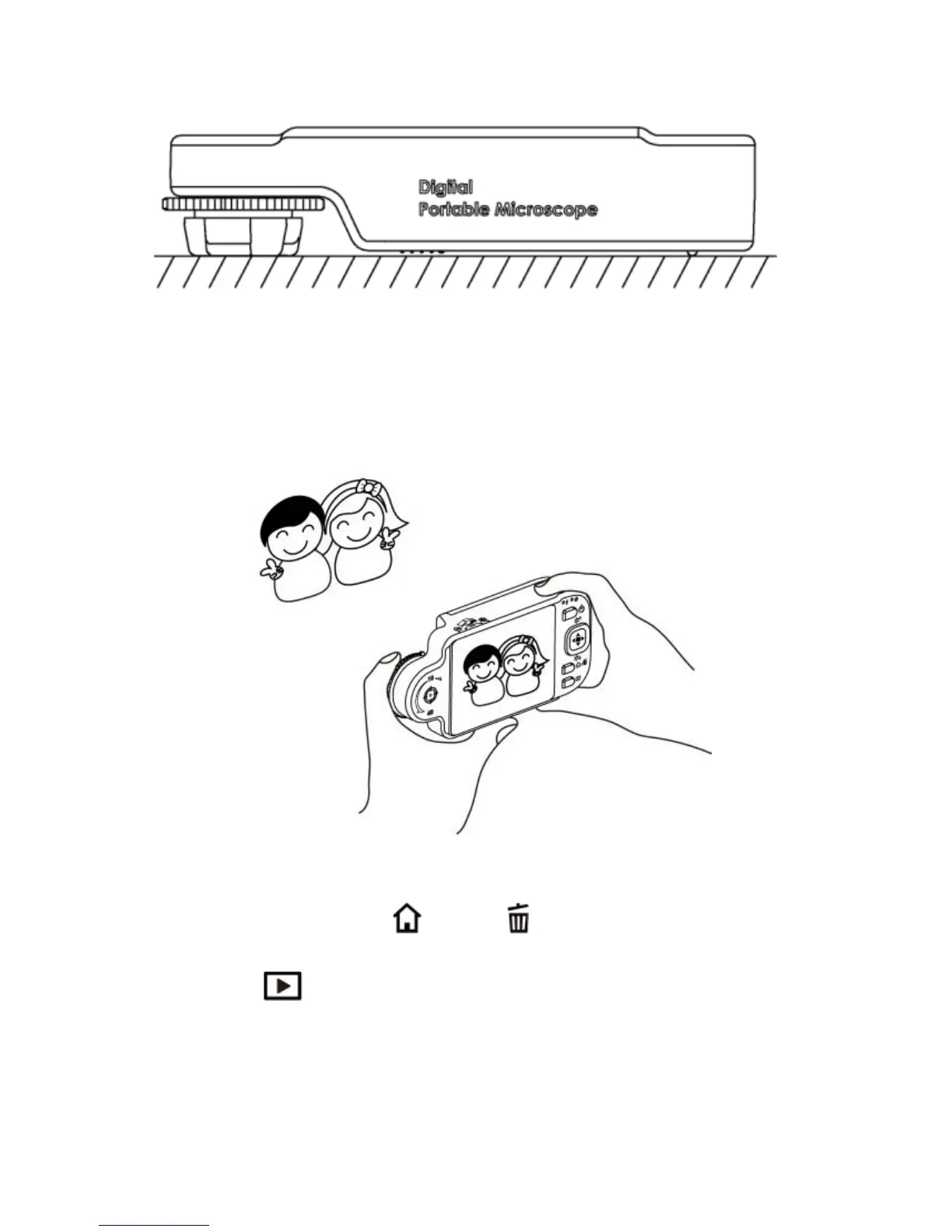
(3) Long Shot: Rotate the Focus dial next to 10X‟s right side, then
slightly tuning so that to get the best image. Photography is
same as the way of camera and scene mode is selectable.
[please refer to (B) of item (1) of Section 1.4].
1.4 Microscope Programming Functions
There are 8 function modes in the programming interface.
Press the Function Menu /Delete button to switch functional
modes in the Camera. In other modes, press the button of Preview
Photo /Back to back to the Menu and switch function as
displayed in the following image:



 To Next Page