30
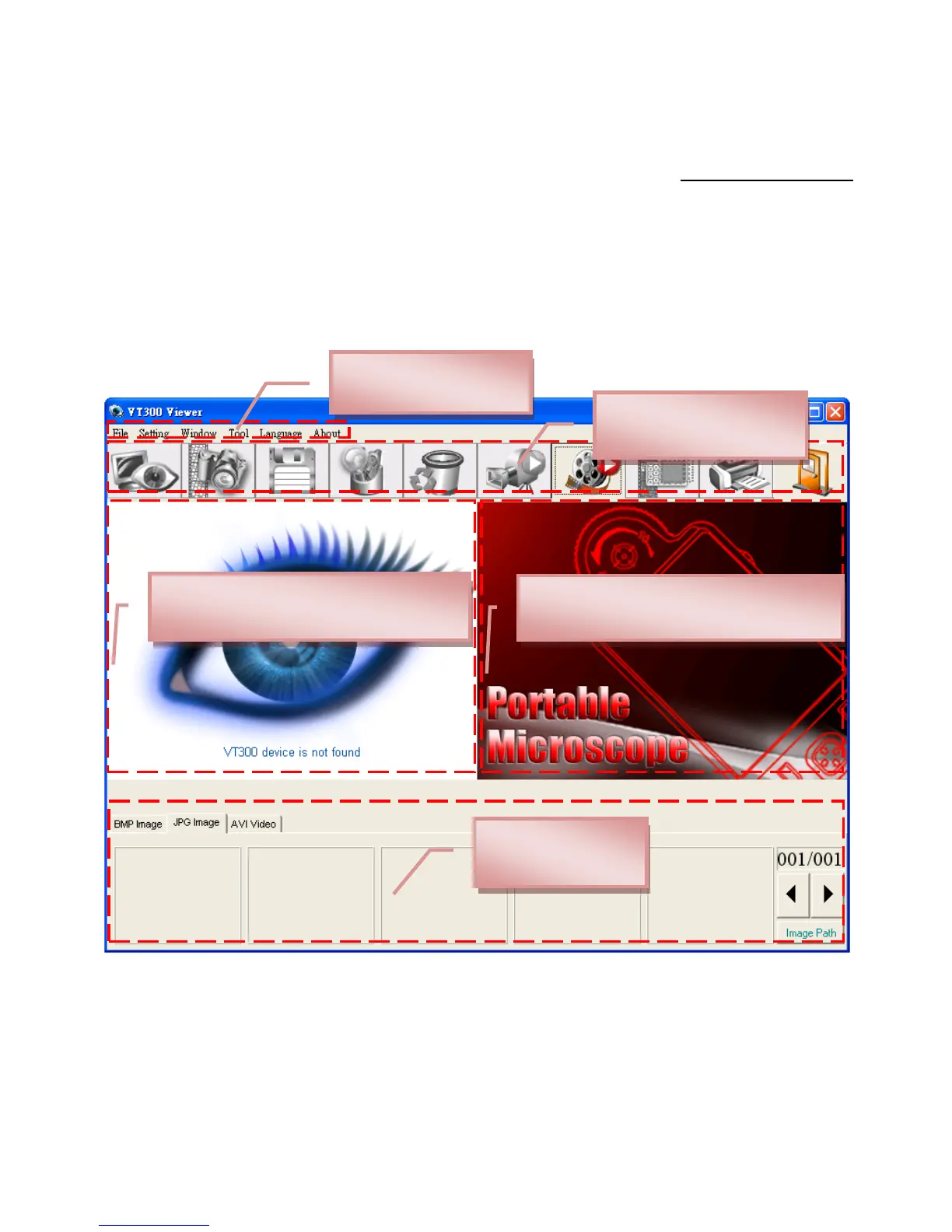
6 parts about primary operation functions. For detailed contents,
please refer to the Operation Instruction set in the Installation CD
(User‟s Manual\English\ Application Program Operation Manual).
3.1 Video Preview Window
After connecting to microscope camera, the window will
show video information, videos, files, as well as operations icons
and special function.
3.2 Images Preview Window
The window is applied to display shot images, edit and
process images.



 To Next Page