28
2. Program Installation
For detailed program installation, please refer to the Manual
setup in the Installation CD (User‟s Manual\English\Installing
Operates Manual). Programs shall be installed according to the
following 4 steps:
2.1 Insert Installation CD (Step 1)
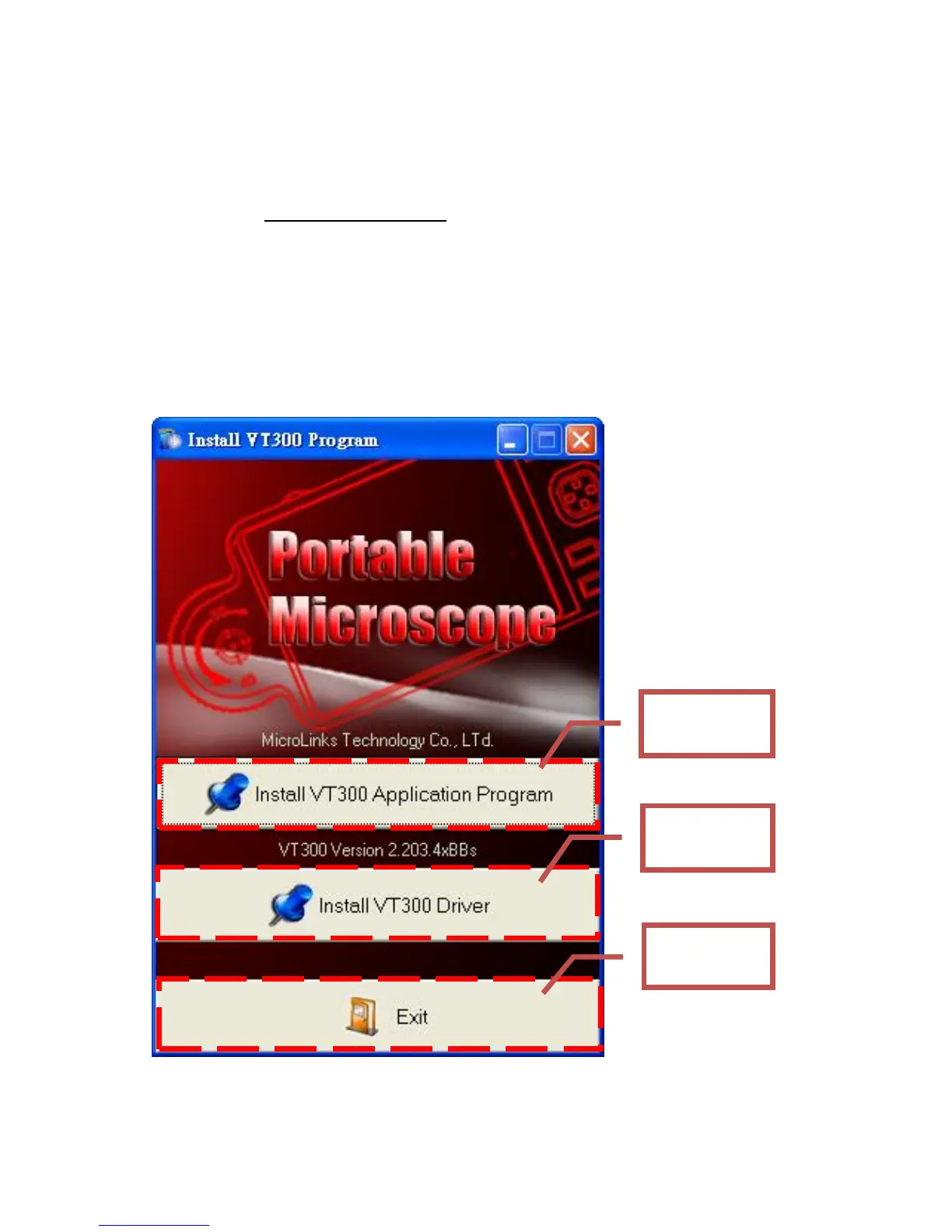
Insert Installation CD provided together with the product into
CD-ROM Slot. The CD will be read by computer automatically,
and the installation window will be displayed:
If the computer does not display installation window, please



 To Next Page