18
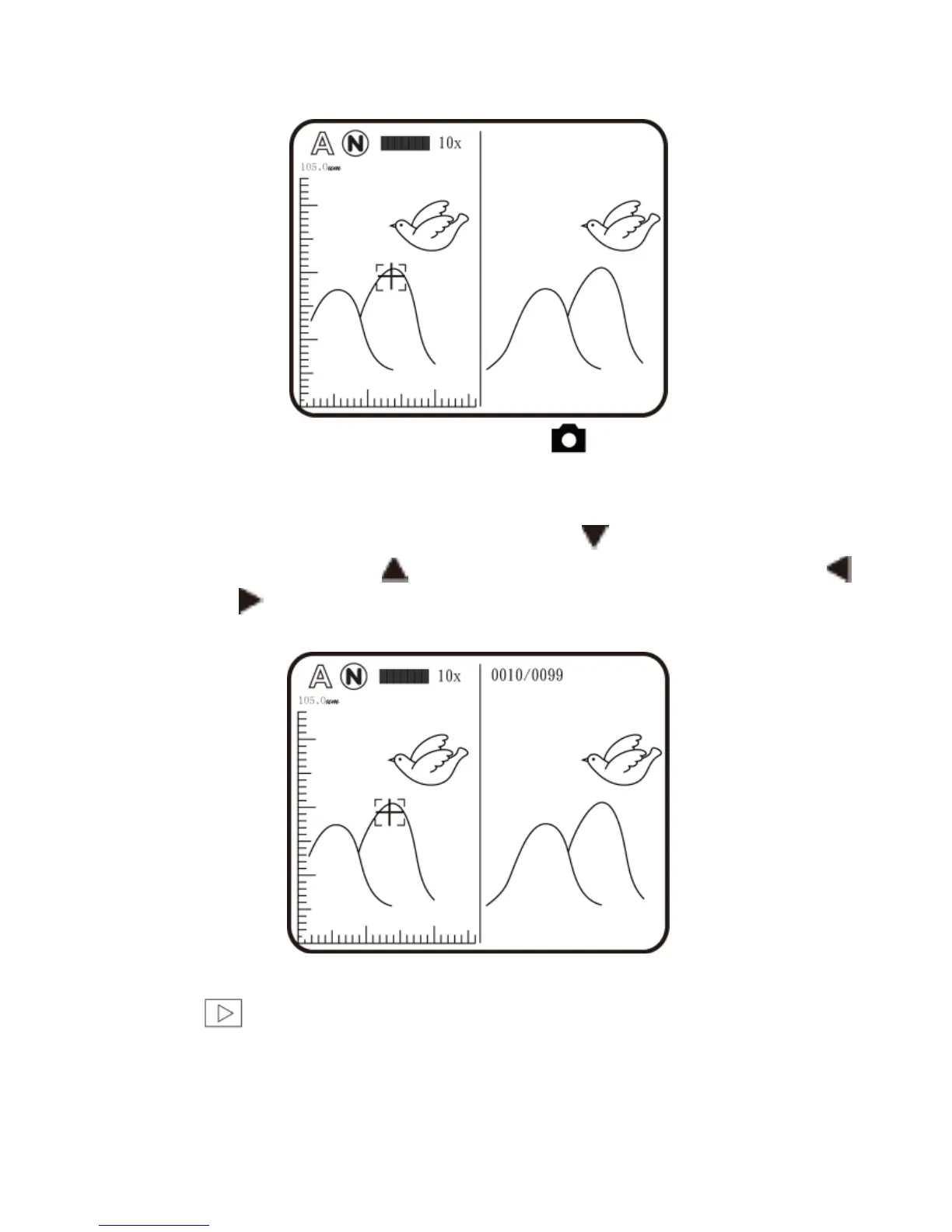
Under browsing photo, press for 10 seconds, it can
enter Comparison mode. See below illustration. At the
moment, all buttons are same function but only allow to
control the right window. Press button to swift next
photo and press to return the preview photo. Press
& button and move the photo slightly toward left or
right.
(2) Play : Please refer to below following for a description the
Video Play mode.



 To Next Page