21
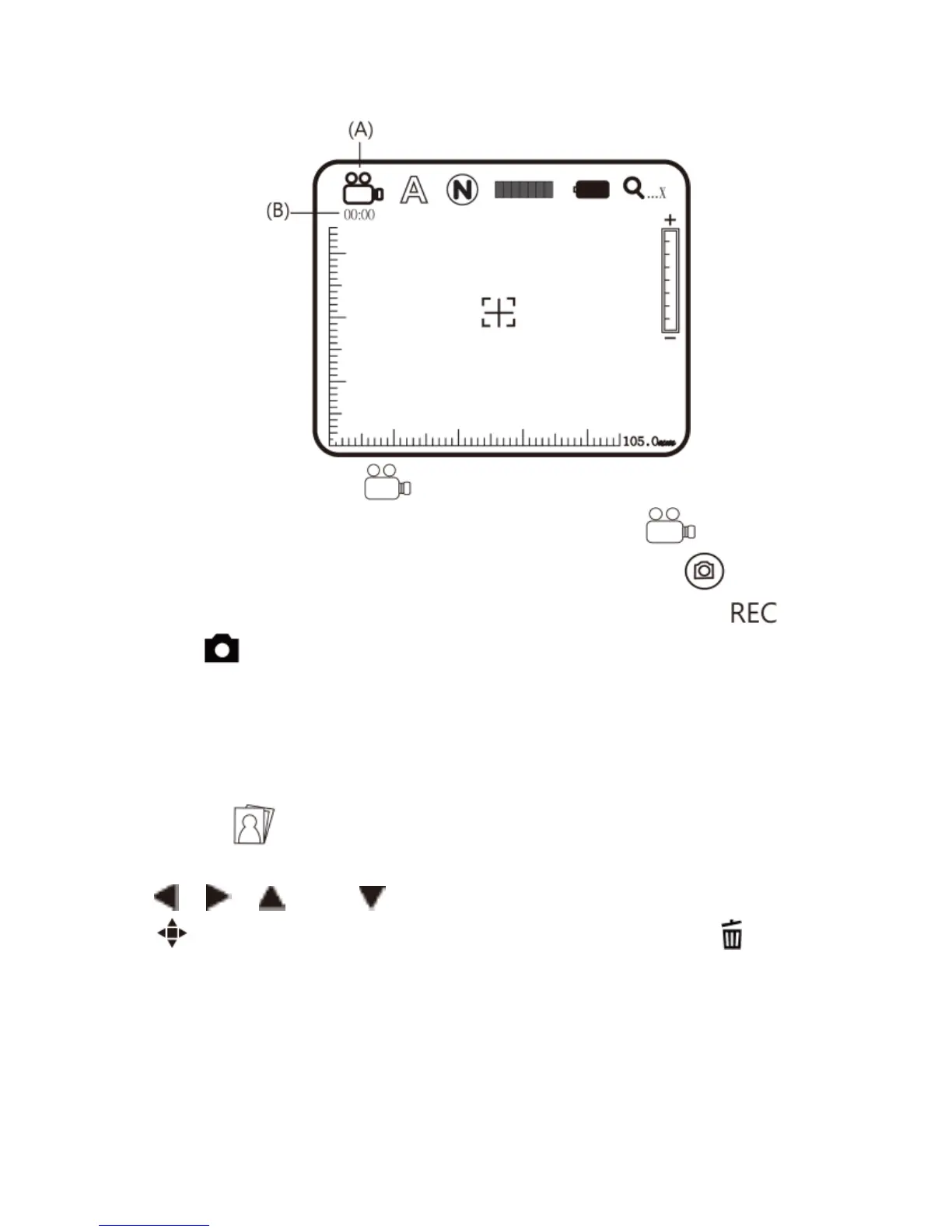
(A) Current Mode : After entering Video REC mode, the
mark of Current Mode showed as representing
video is recording. Press the button to record
video, and the Current Mode turns to be from
.
(B) Recording Time: After recording, recording time will be
counted in second. Each file can be recorded maximum
one hour.
(4) Album : a model to browse photos by listing all shot
pictures. Please refer to the following image. Use buttons of
, , and to select images and press the button
to open it in full screen. Press the button of to delete
the image, and the inquiry window will be displayed before
the deletion. Select (Yes) for deletion and (No) for not.



 To Next Page