23
(C) “Removable disk” window will pop up; or enter
“my computer”, an device of “removable disk” is
shown on the screen.
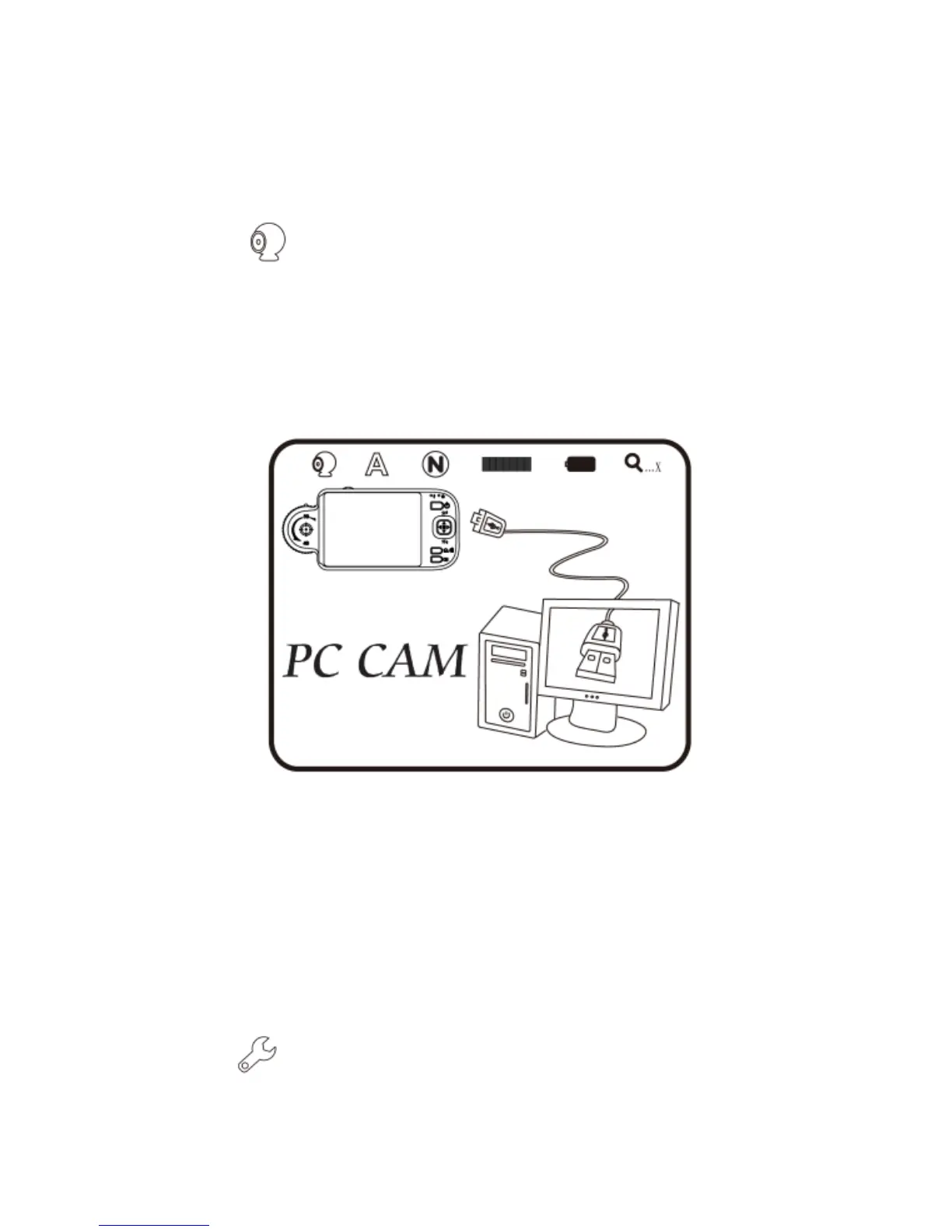
(6) PC Cam : Mode of computer camera (PC Camera). In this
mode, the machine can be linked to the computer as internet
camera or microscope camera. Before using, please link the
USB transmission line and install driver program in the
computer for correct linkage. For program installation, please
refer to Section 2. The mode is as follows:
(A) Refer to section 1.5.5 to connect to computer.
(B) To operate by the device, please access “PC cam”
and press “confirm”.
(C) Start the application in the computer as
introduced in section 2.2.
(D) Click “connect” on the application as shown in
section 3.4.
(7) Set Up : a model to set the system and provides seven



 To Next Page