Need help?
Do you have a question about the Vive Comfort TP-N-701 and is the answer not in the manual?
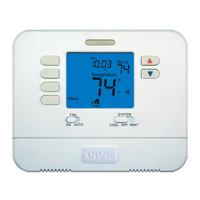
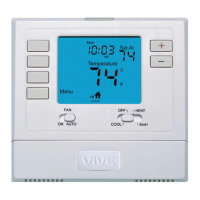
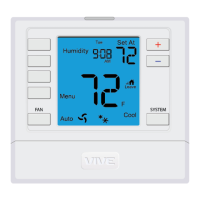
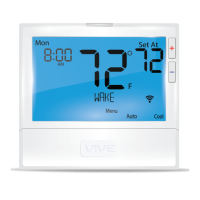
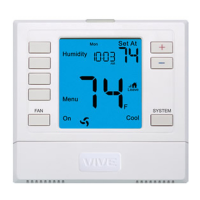
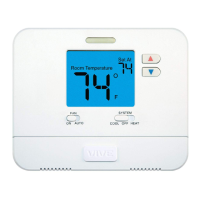
Details about the thermostat's LCD readout, including room temperature and set temperature.
Function of the button that illuminates the thermostat display after exposure to ambient light.
How to select fan operation modes: ON for continuous operation or AUTO for cycling with HVAC.
How to select HVAC system modes: HEAT, COOL, or OFF.
How to adjust the desired room temperature using the up/down buttons.
Location and function of the battery compartment access on the thermostat.
Details on battery replacement, low battery indicator warnings, and system failure risks.
Explains the 5-year limited warranty and how to register for coverage via online or mail.
 General
| Display Type | LCD |
|---|---|
| Hold Function | Yes |
| Power Source | Battery |
| Compatibility | Single-stage heating and cooling systems |
| Battery Life | Approximately 1 year |

 To Next Page