10
OPERATING INSTRUCTIONS - DATA MANAGEMENT
Recall the Records
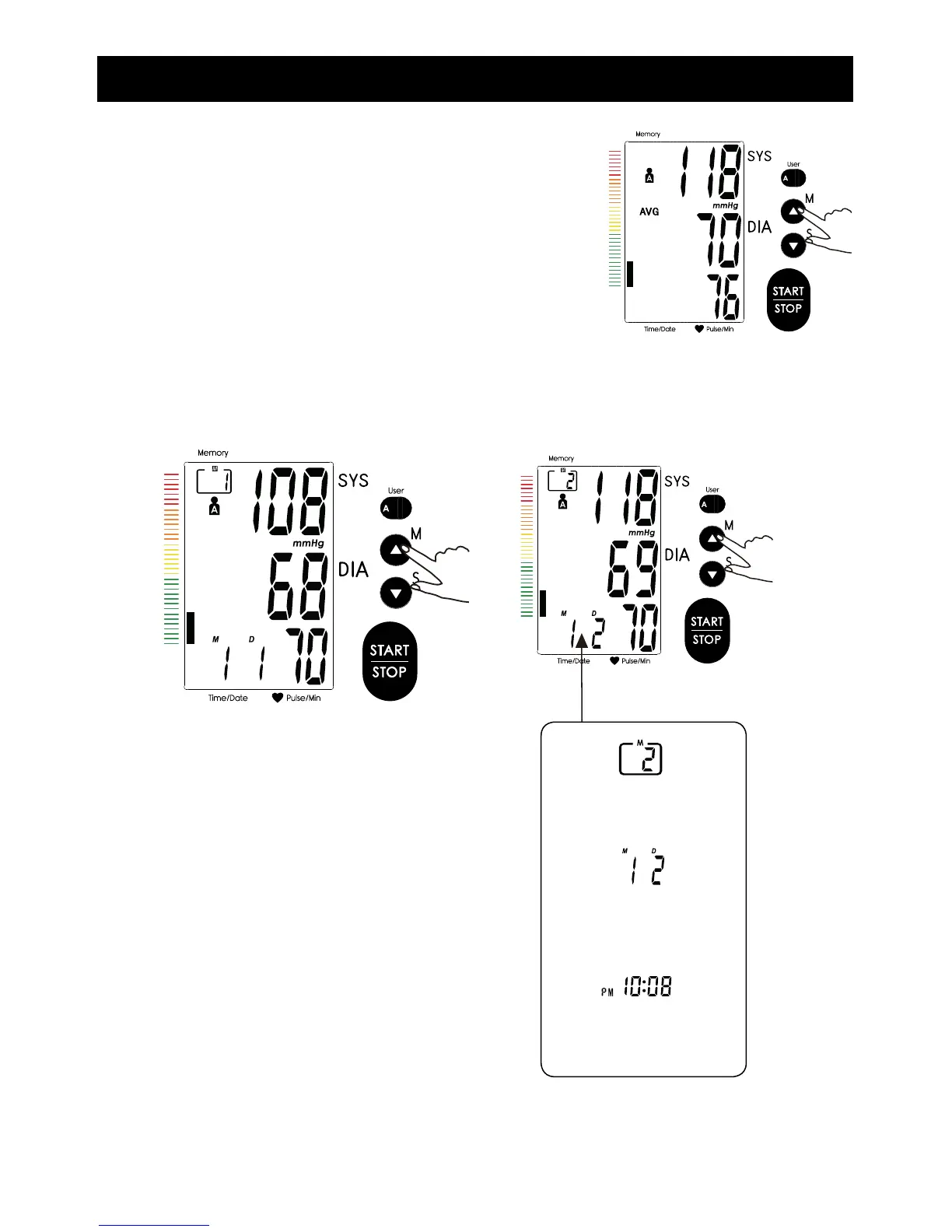
1. When the monitor is off, press the “M” button
to show the average value of the latest three
records for the selected user.
(Take User 1 for example. See right.)
Note: It will display the latest record first when
the records are less than three groups.
2. Press “M” button or “S” button to get the record you want. Press and hold “M”
button to look over ten groups of the historical records quickly.
The date and time of the record
will be shown alternately.
3. If you want to look over another user’s data, switch the User button to select
the desired user. Then you can look over its historical records.



 To Next Page