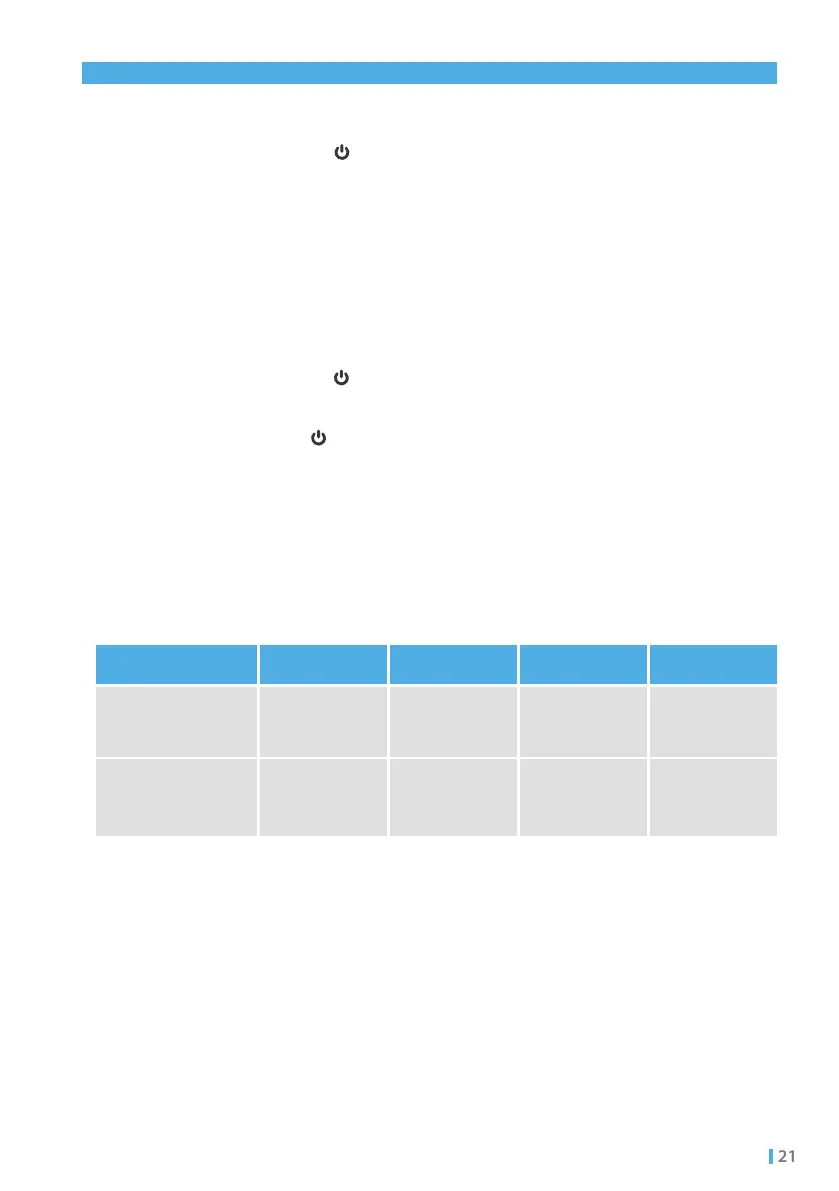
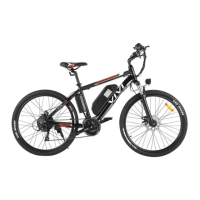
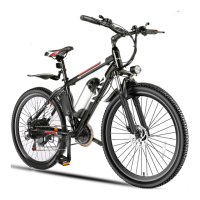
Long press the " " button of the Throttle lever panel for two seconds to
power on, and adjust the speed to the "high" position;
Long press "+" and "-" for 3-5 seconds simultaneously to release the speed
limit;
Long press the " " button of the Throttle lever panel for two seconds to
power on, and adjust the speed to the Gear "3";
Long press " " and "-" for 3-5 seconds simultaneously to release the
speed limit;
To restore the factory configuration after releasing speed limit, repeat Step 1 and 2.
To restore the factory configuration after releasing speed limit, repeat Step 1 and 2.
Applicable to models MT20 / FM201 / C26 / MT26G
Applicable to models MT20-P / FM201-P
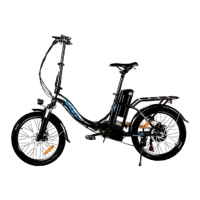
Applicable to models MT20 / MT20-P / FM201 / FM201-P / C26 / MT26G
Speed introduction
6.5.1
6.5.2
6.5.3
Step 1:
Step 1:
Step 2:
Step 2:
Tips:
Tips:
6.5 Speed limit release
0km/h
Default mode
(speed limit)
Customer mode
(speed limit release)
0km/h
15km/h
15km/h
20km/h
20km/h
25km/h
32 km/h
Indicator off
Low/Gear 1 mid/Gear 2 high/Gear 3Mode


 To Next Page