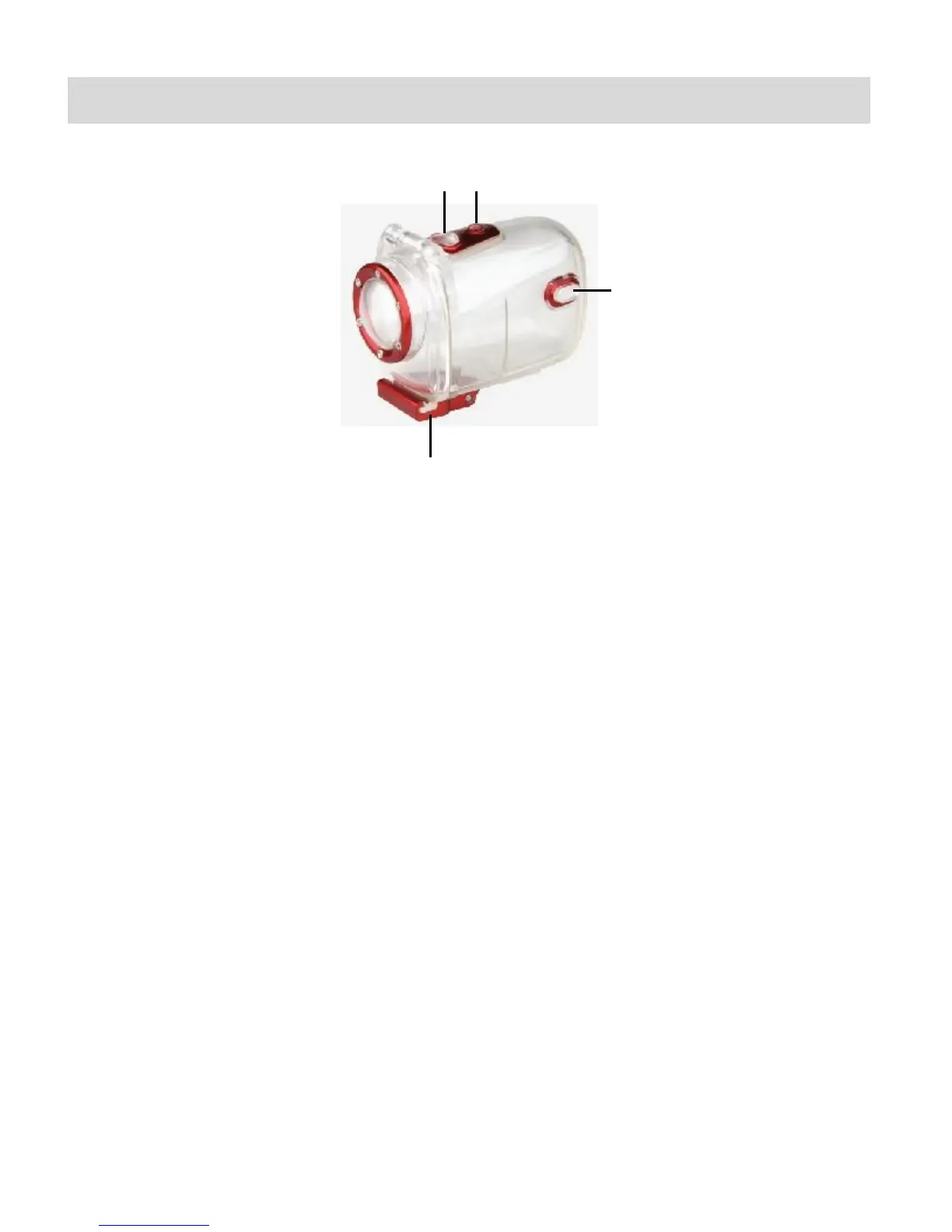
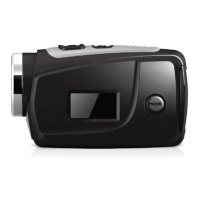
Waterproof Case
1. Shutter Release
2. Power Button
3. MODE Button
4. Clamp
To open the case:
1. Insert a finger at the half circle of the clamp by prying the clamp up - away from the case.
2. Before sealing the waterproof case, keep the camera housing’s rubber seal clean. Note
that a single hair or grain of sand can cause a leak. You can test by closing the case
without inserting the camera. Submerse the case completely in water for about a minute.
Remove the case from the water, dry off its exterior with a towel, and then open the case. If
the entire interior is dry, the case is safe for use under water.
3. While the camcorder is in the waterproof casing, press the MODE button to select either
Video or Photo Capture Mode. Press the Shutter button for recording your videos and
capturing your photos.


 To Next Page