Photo Capture Mode
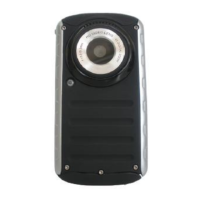
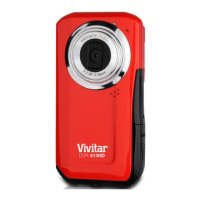
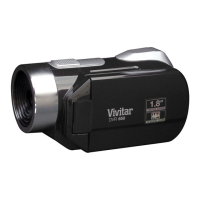
The Photo Capture Mode allows you to capture photos with your digital camcorder.
When you first power on the camcorder, the Video Capture Mode will be active.
In order to open the Photo Capture Mode, press the MODE button twice.
TAKING A PHOTO
1. Power On:
Press the Power button to power on the camcorder.
2. Enter Photo Capture Mode:
Press the MODE button twice to enter ‘HI’ (high resolution) Photo Capture Mode.
3. Select Photo Resolution:
HI 5MP (2592x1944 pixels)
LO 1.3MP (2048x1536)
To change the photo resolution from ‘HI’ to ‘LO’ press the MODE button again.
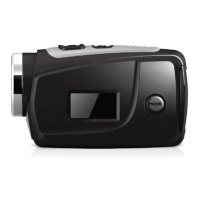
NOTE: The amount of photos available as per your memory card size and selected
resolution size appear on the LCD screen.
4. Capture Your Photo:
Press the Shutter button to capture your photo.
5. The photo is automatically saved to the camcorder’s Micro SD Memory card.


 To Next Page