12
Tabbed Apps Manager
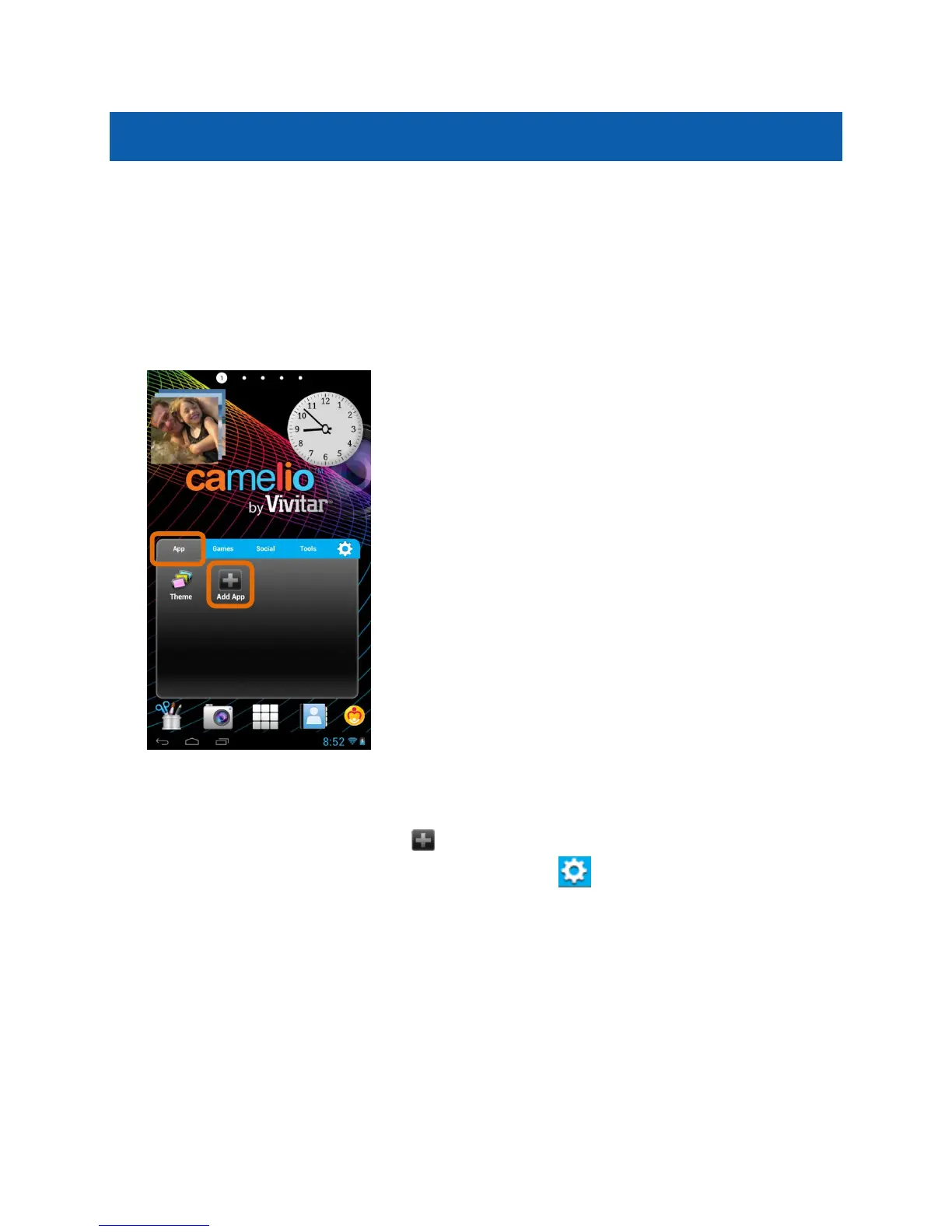
The Tabbed Apps Manager allows you to easily organize and create shortcuts to
your favorite apps. These apps can be added to the Home screen Tabbed Apps
Manager. You can organize and manage your Apps by placing the shortcuts in the
selected tab. The Tab Apps Manager includes the following tabs:
Apps, Games, Social, Tools.
1. Select a Tab:
First touch a Tab to select it. For example, the App Tab is the default Tab and
is selected in the image above.
Then touch the Add App icon .
Note: You can also touch the App Setting icon (which also can remove an
App).



 To Next Page