3
UNLOCK
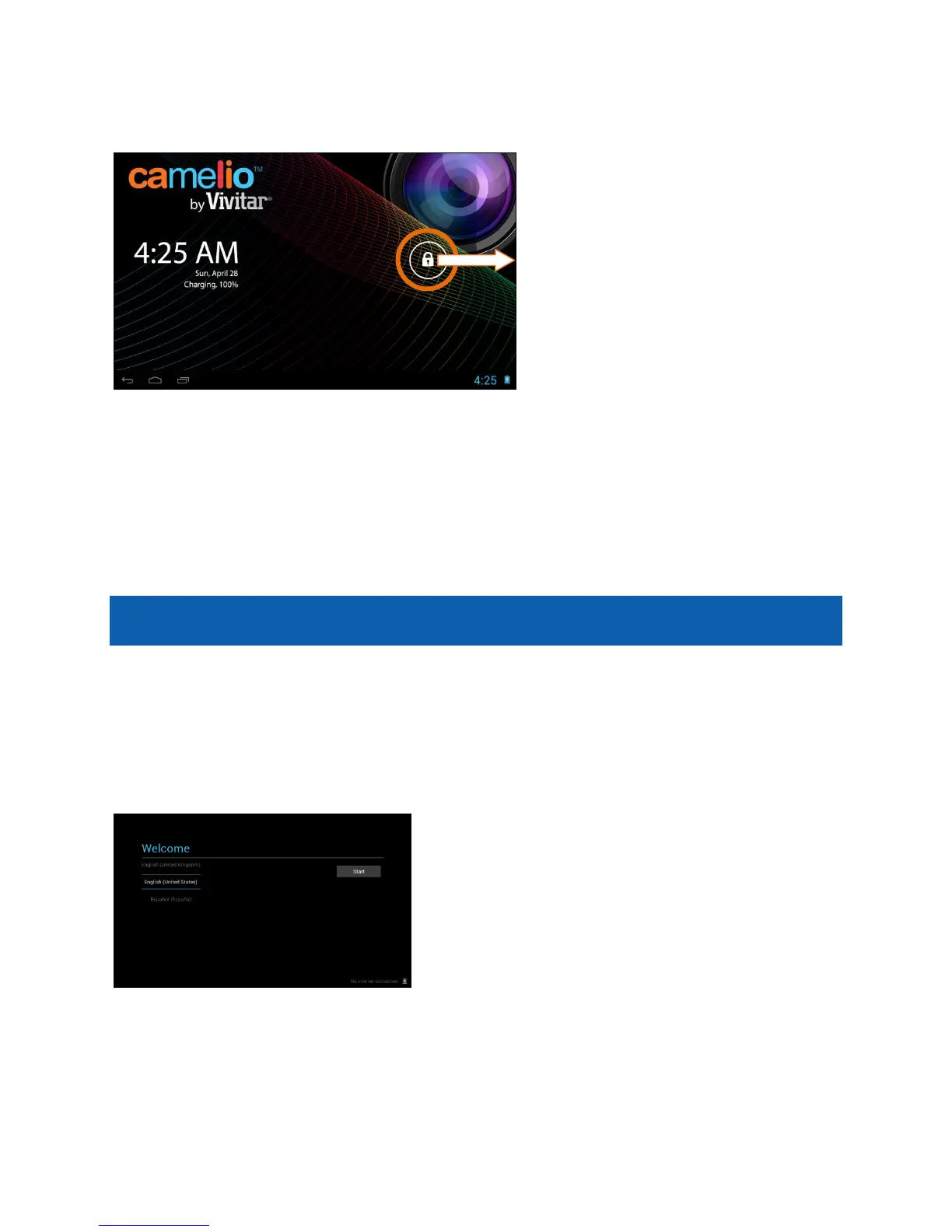
To unlock your tablet, touch and hold the Lock icon. When it turns into a circle
drag it towards the right, to the Unlock icon.
Note: To unlock and activate the camera, touch and hold the Lock icon and when
it turns into a circle drag it towards the left, to the Camera icon.
Initial Setup
The first time you power on your tablet you will be taken through the initial setup.
Note: It is recommended to fully charge your tablet before first use.
CHOOSE LANGUAGE
Touch one of the language options to select the on screen language for your
Camelio™ tablet. The language options include English, Spanish, French and
Portuguese.



 To Next Page