20
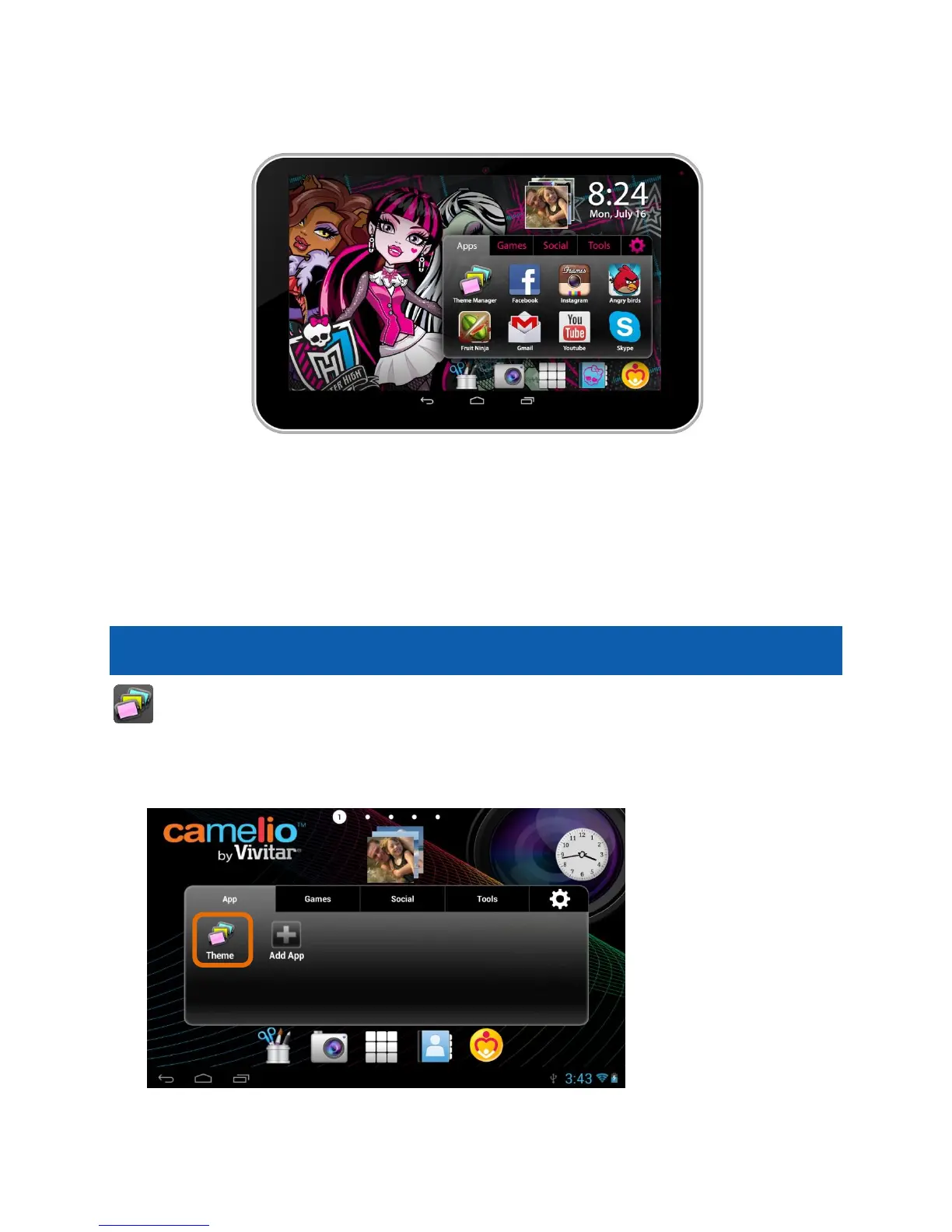
Change Theme to Monster High:
To add and change a Theme, follow the instructions as described in the previous
steps.
Note: A Theme can also be selected for a specific User and can be changed at any
time. See the ‘Add Users’ section of this Quick Start Guide for more details.
Add Users
You can add up to 5 different users on your tablet. Each user can have
his/her own Theme, profile picture and application preferences.
To add, edit or change a user, follow these instructions.
1. Launch the Theme Manager:
To manage the users of your tablet, touch the Theme Manager app shortcut
icon on the Tabbed Apps Manager.



 To Next Page