21
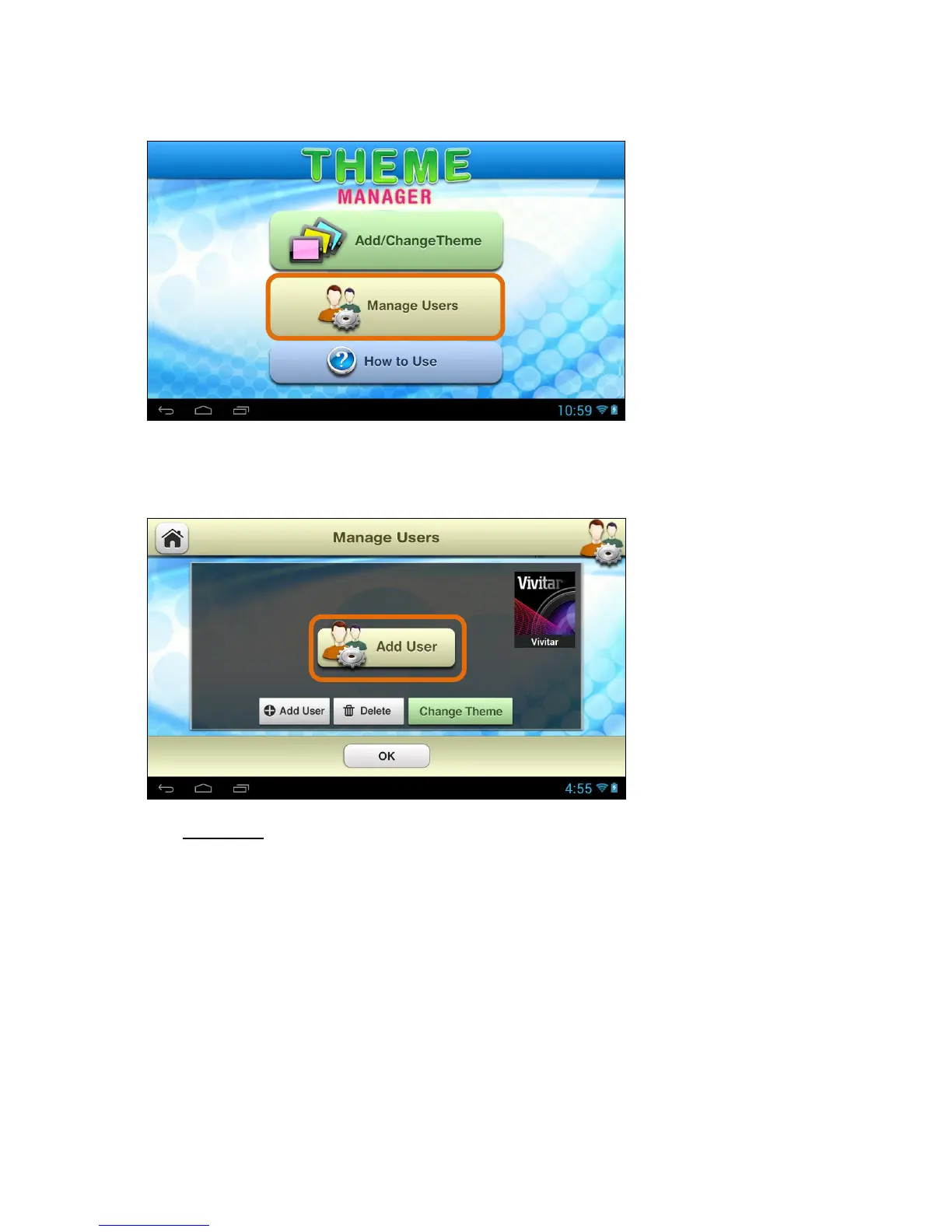
2. Access ‘Manage Users’:
Once the Theme Manager app is open, touch Manage Users.
3. Add First User – Add Name, Select Profile Picture, Select Theme:
The first time Manage Users is activated, the ‘Add User’ screen appears.
Touch Add User to add a new user. Note that the current theme appears on
the right.



 To Next Page