19
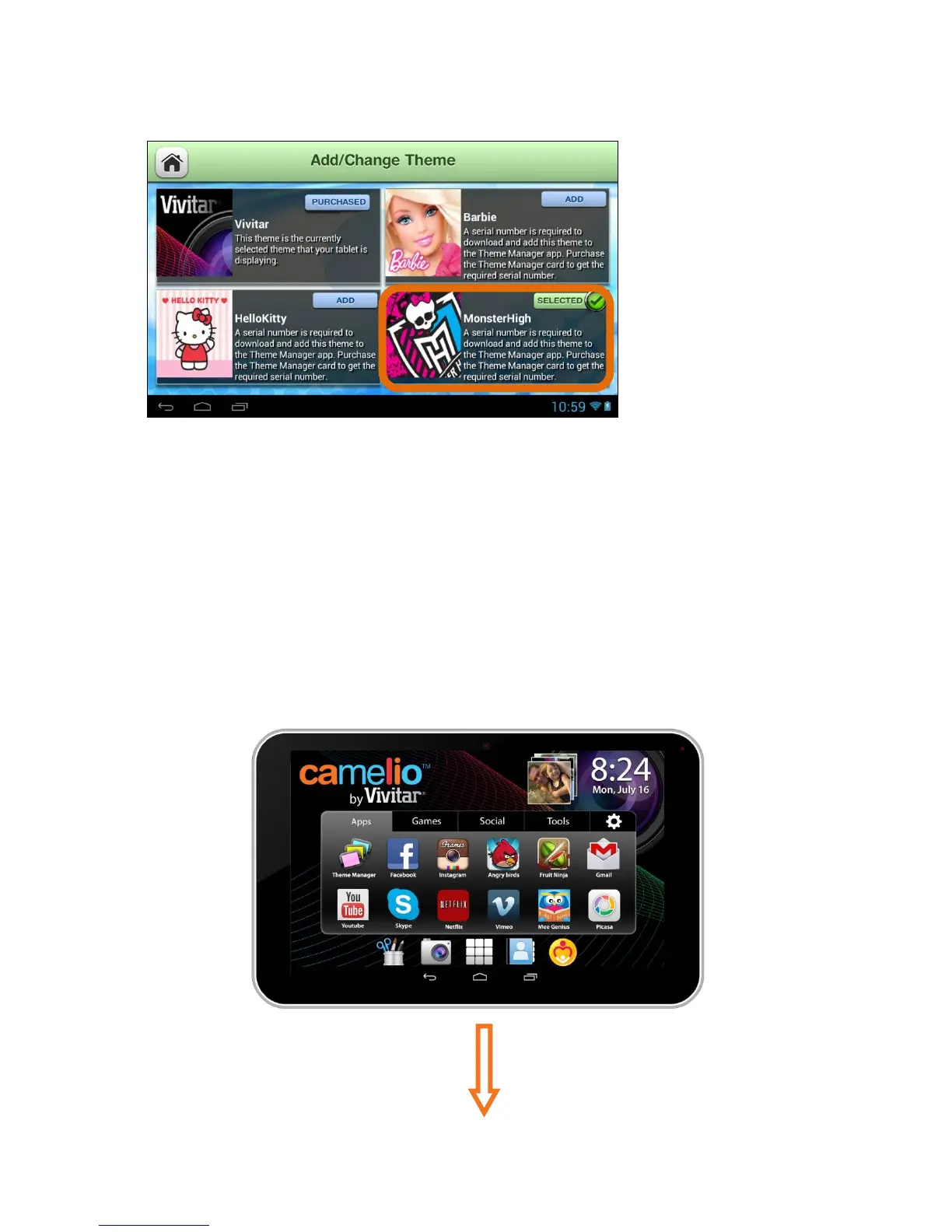
6. Add/Change Theme – Change Theme:
The ‘Selected’ button appears on the current theme. Note that the Vivitar
Theme is the default Theme and is automatically selected on initial use. Once
you have purchased and added new Themes you can select to change the
Theme at any time by touching the Purchased button of the Theme you want.
The selected Theme will then appear with the highlighted Selected button and
your tablet will automatically change into the Theme you have selected.
Once you have selected your new Theme, your tablet is now personalized and
activated with this Theme.
Current Theme - Vivitar:



 To Next Page