18
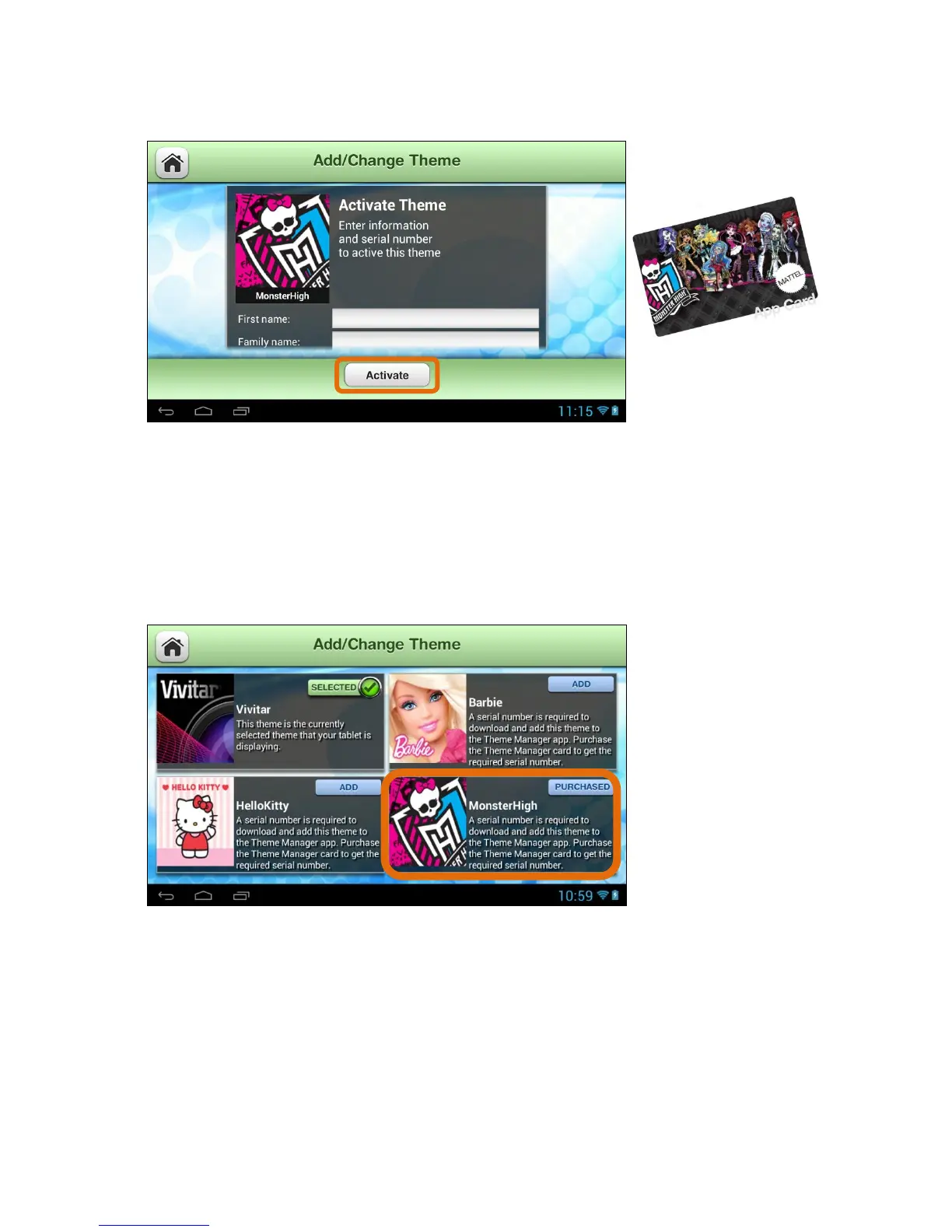
4. Add/Change Theme – Activate New Theme:
Enter your first name, last name, email and serial number (included on the
Theme App Card - sold separately) and then touch Done (from the onscreen
keyboard). Touch the Activate button to download and begin using your new
Theme. Note: Download may take several moments.
Collect all your favorite characters!
5. Add/Change Theme – Purchased Theme:
Once the download is complete, the new Theme appears with the Purchased
button. This indicates a Theme that you have purchased and a Theme that can
be applied to your tablet at any time.



 To Next Page