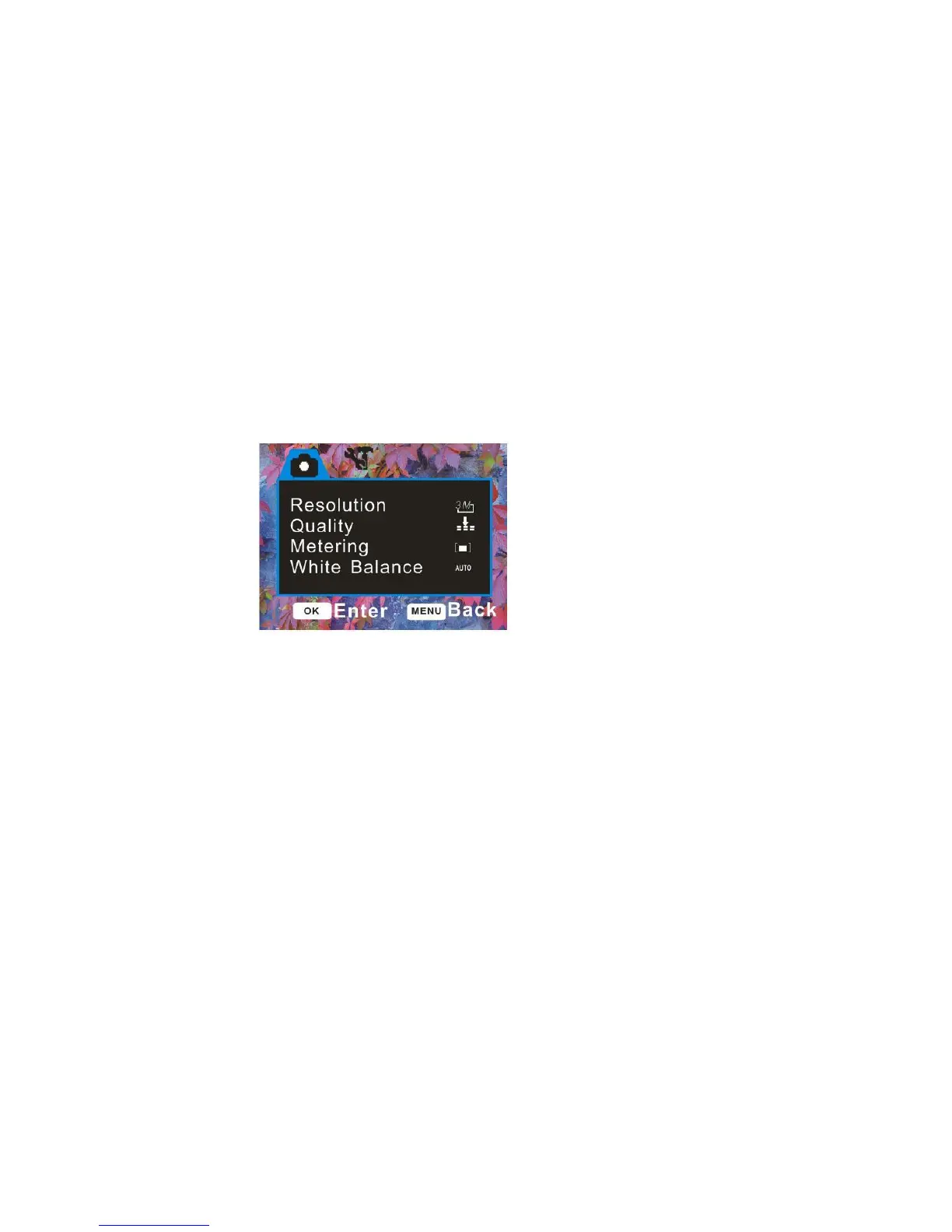
To enter the Settings options for the Capture mode:
1. Press the MENU button.
2. Press the Up/Down button to select the Setting you wish to change from the menu that
appears.
Resolution
The image size and quality settings determine the number of photos that can be saved and the
amount of memory required for each photo. The higher the quality of the photo the more memory it
will take. The image size and quality will also affect the maximum size you can print your photo
effectively.
To set the camera`s resolution:
1. Press the Up/Down button to select the Resolution menu.



 To Next Page