2. Press the OK button to open the Resolution submenu.
3. Press the Up/Down button to highlight and select one of the resolution options:
5M(2592X1944), 3M(2048X1536), 2M(1600X1200), 1M(1280x960), VGA(640X480)
4. Press the OK button to confirm, save your choice and exit to the Setting menu.
5. Press the MENU button to revert back to the Camera capture mode to start taking photos with
the resolution selected.
Note:
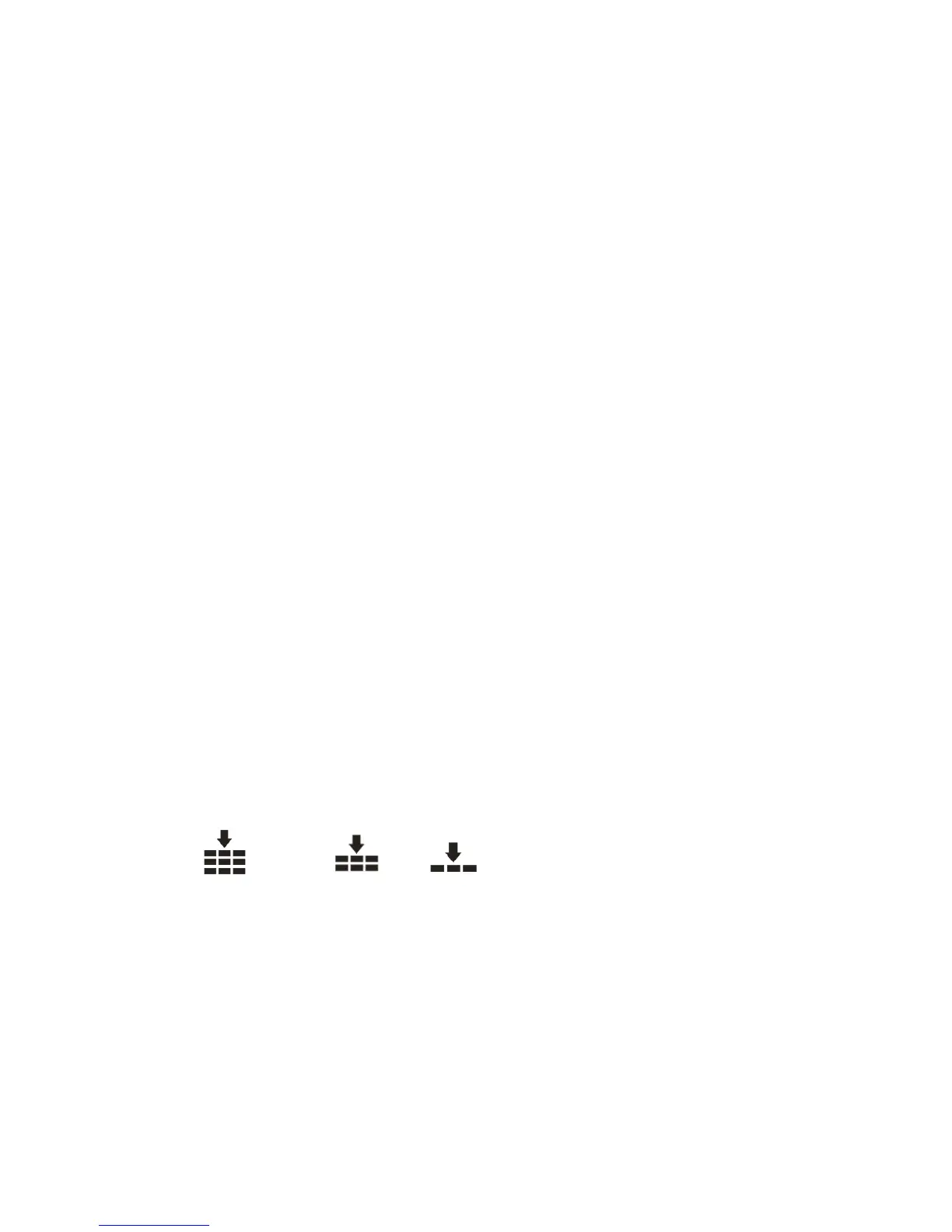
After selecting your resolution, the corresponding icon will appear on the top of the LCD.
Quality
The quality of your photos also affects the number of shots you can take. The Super setting means
you can take fewer photos, but they will be better quality.
1. Press the Up/Down button to select the Quality menu.
2. Press the OK button to open the Quality submenu.
3. Press the Up/Down button to highlight and select one of the quality options:
Super fine Fine Normal
4. Press the OK button to confirm, save your choice and exit to the Setting menu.



 To Next Page