9
(9)
Self-timer enabled
(10)
8X digital zoom
(11)
Date/Time : YYYY/MM/DD HH: MM
(12)
Motion Detection
MPEG4 Movie Recording
Press Movie Shutter button ( ) to start recording. When a movie is recording, a time
indicator will display on LCD monitor. To stop recording, press Movie Shutter Button (
)
again. Press RECORD/PLAY Button to view the recorded movie.
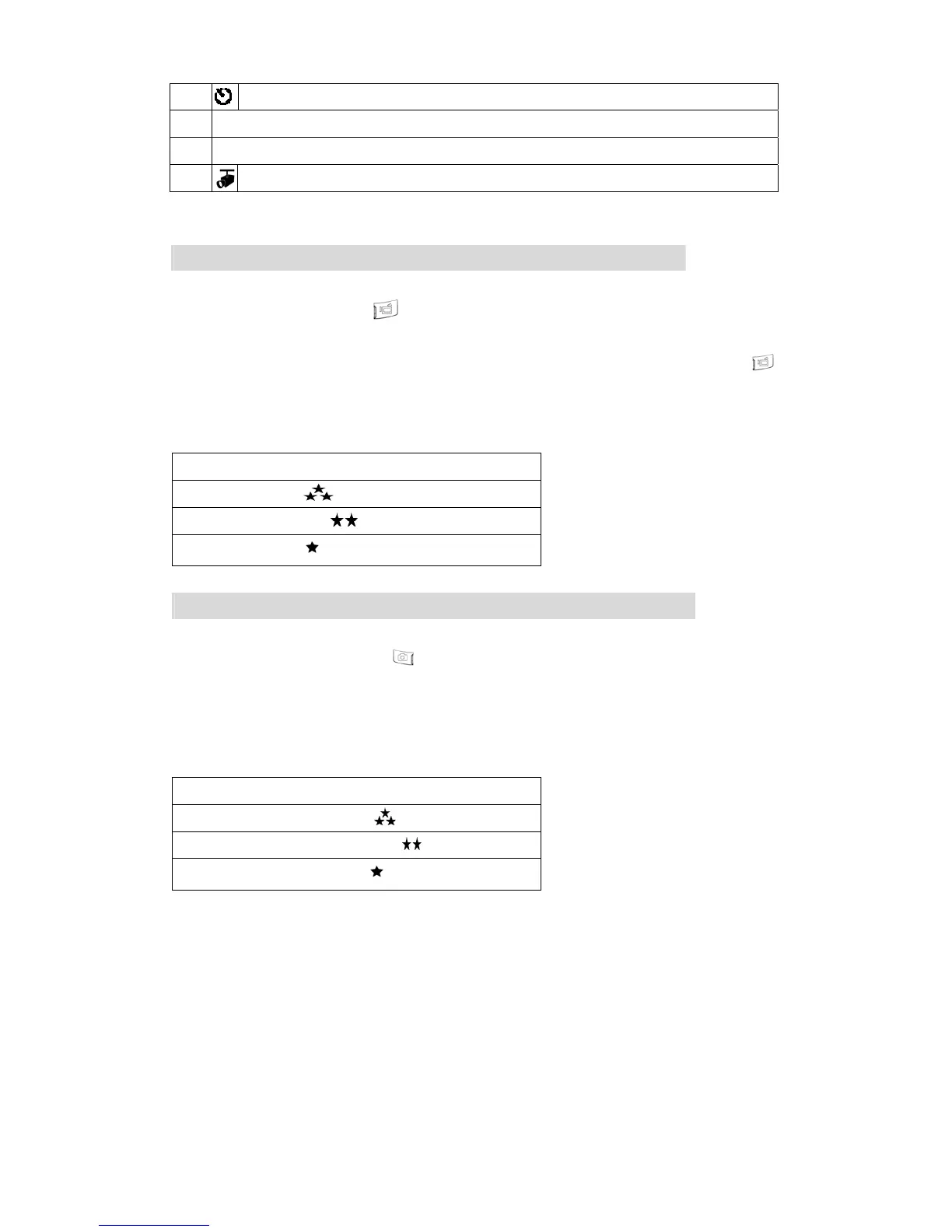
Three resolution settings are available:
Quality
High Quality
Standard Quality
Low Quality
Picture Recording
Press the Picture Shutter Button ( ) to take a picture.
Press RECORD/PLAY Button to view the picture.
Three resolution settings are available:
Image Quality
High Quality
Standard Quality
Low Quality



 To Next Page