35
Button Functions
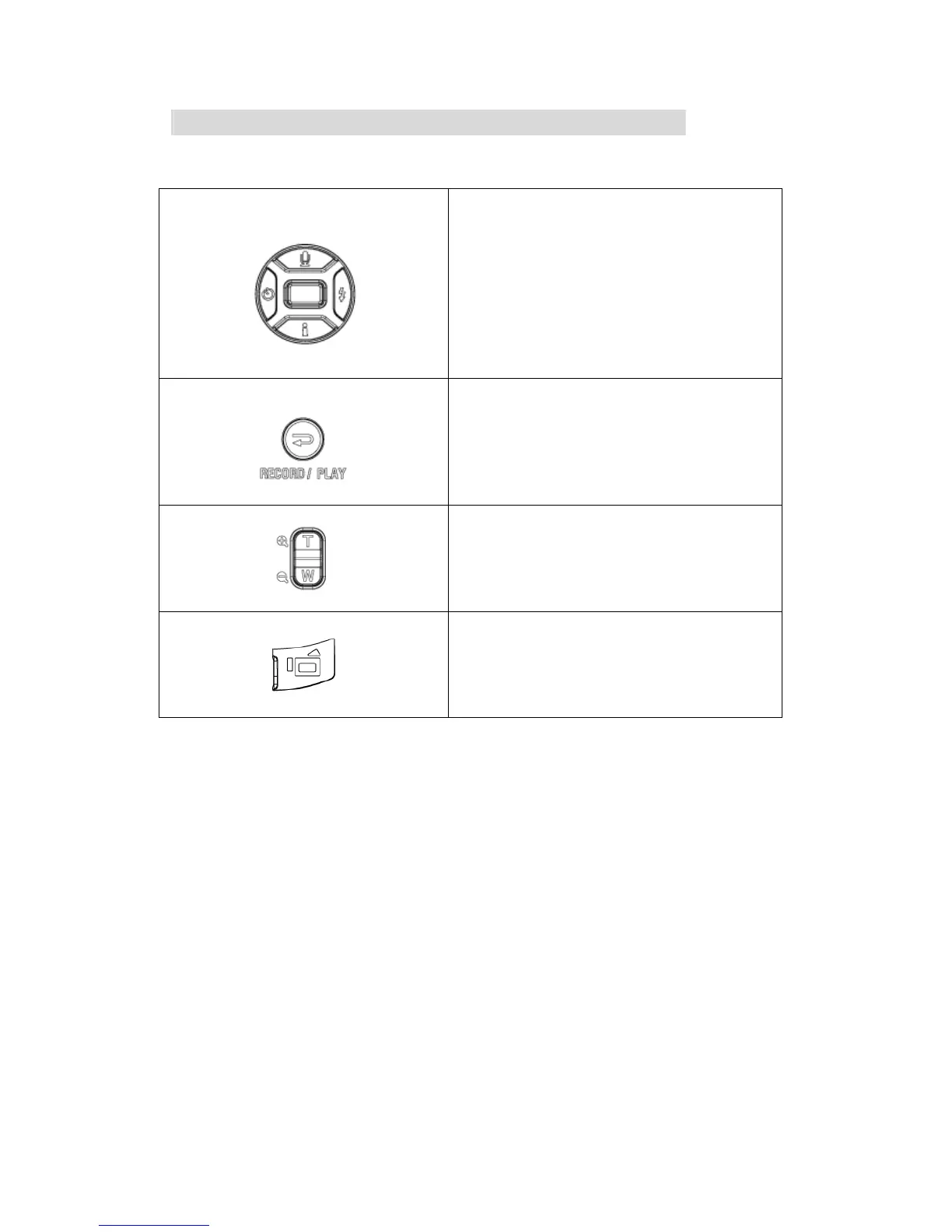
The Direction Buttons have the following functions in Movie and Picture Playback Modes.
Right Button : Go to the next movie/ picture.
Left Button : Go to the previous movie/ picture.
Up Button : Invalid
Down Button : Information ON/OFF
Enter Button : Enter to movie, picture, voice,
music or e-Book option menu.
RECORD/PLAY Button functions:
1. Switch between Record and Playback modes.
2. Return to the previous page.
Tele-Wide Button: Digital Zoom in and out.
Movie Shutter Button:
Start playing the recorded movie or voice



 To Next Page