29
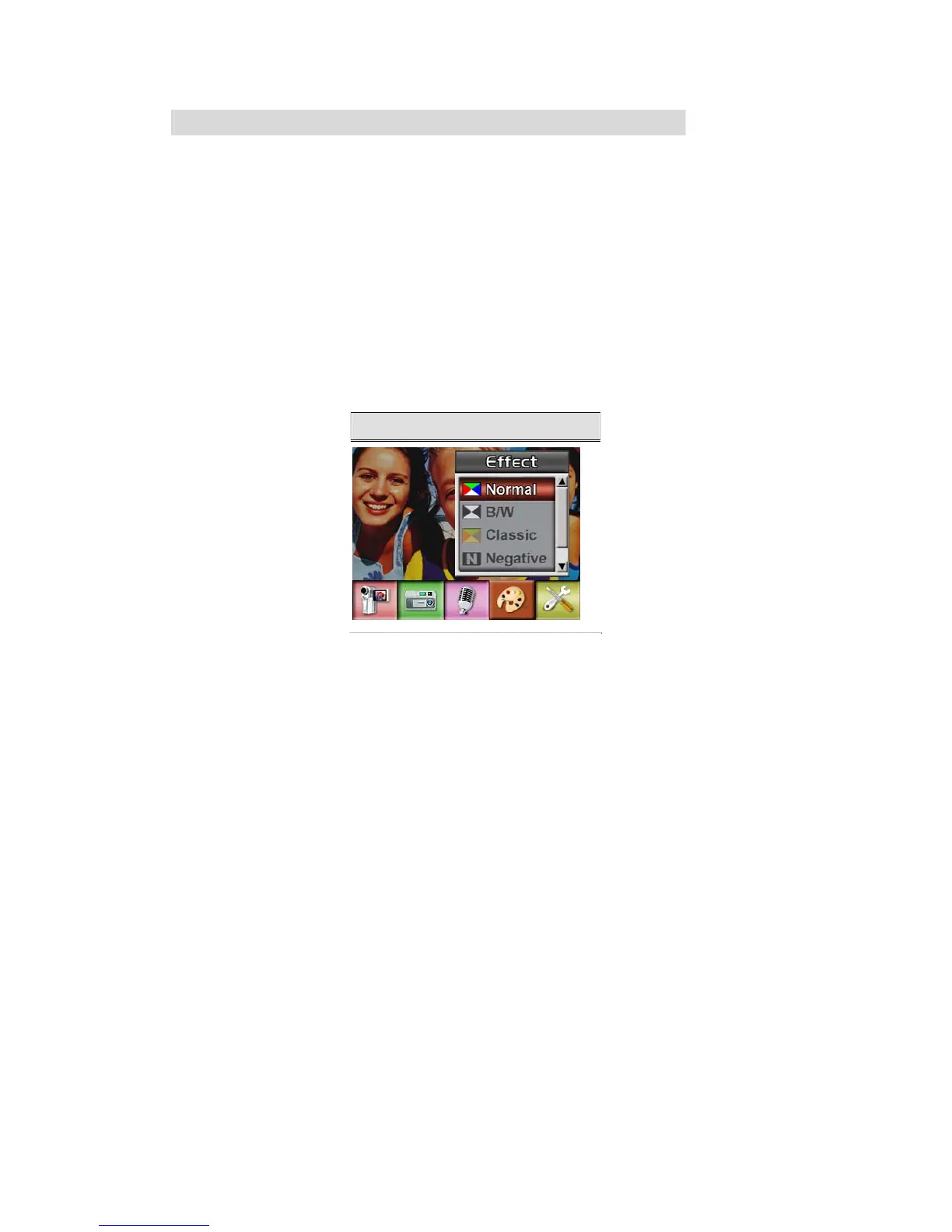
Effect Setting
There are four modes which are Normal, Black/White, Classic and Negative.
To change Effect setting:
1. In Movie/Picture Record Mode, press Enter Button to switch to record menu screen.
2. Use Right/Left Buttons to move to Effect Option. Then Effect Submenu will pop out on the
screen.
3. Use Up/Down Buttons to move between four settings. The change can be previewed
immediately.
4. Press Enter Button to validate the setting and exit.
Display Screen



 To Next Page