18
Motion Detection
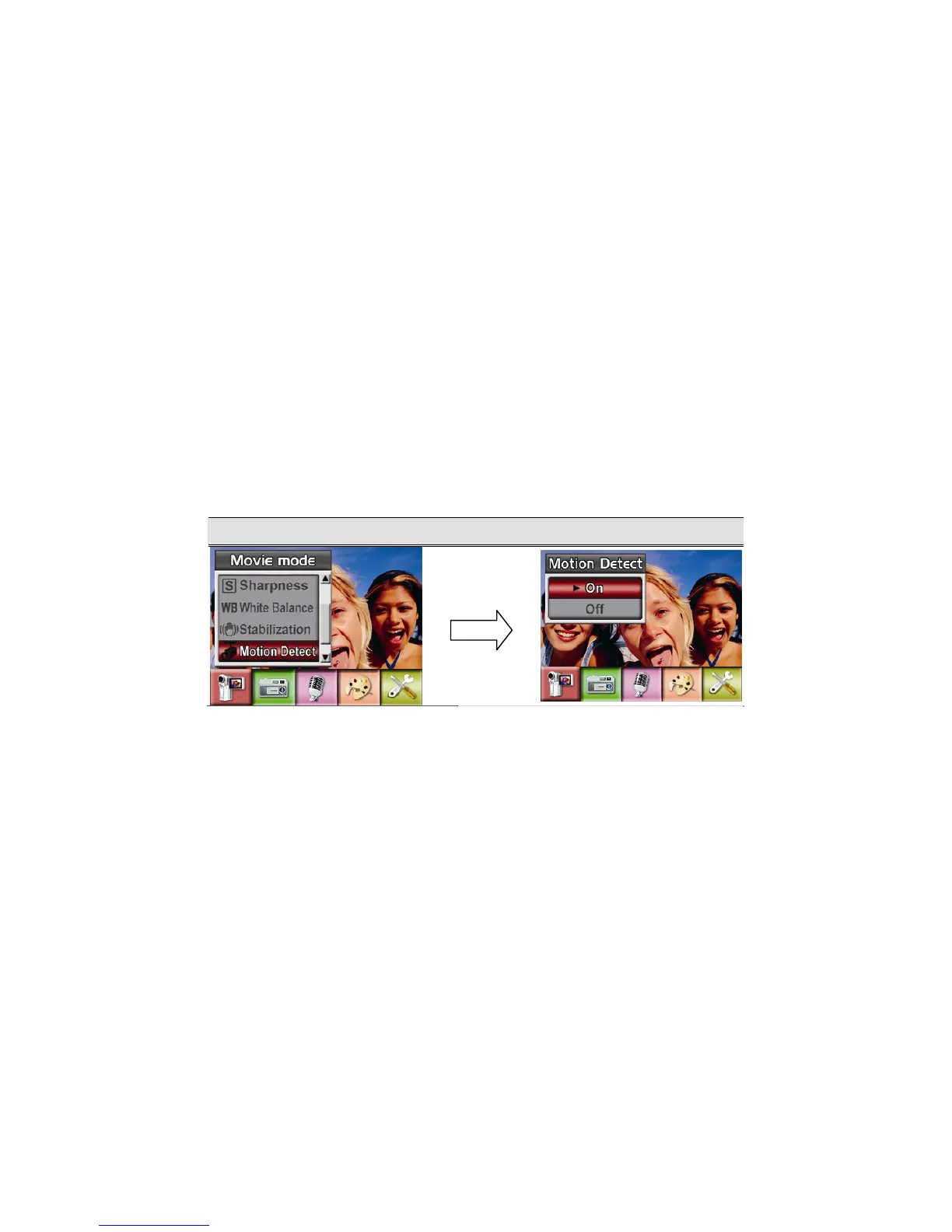
To enable Motion Detection:
1. In Movie/Picture Record Mode, press Enter Button to switch to record menu screen.
2. Use Right/Left Buttons to select Movie Mode. Submenu of Movie Mode will pop out on
the screen.
3. Use Up/Down Buttons to select Motion Detect then press Enter Buttons to switch to
Motion Detect submenu.
4. Use Up/Down Buttons to choose ON or OFF.
5. Press Enter Button to validate the setting and exit.
6. Camera will start to record video once if there is a movement for 3 consecutive seconds.
Stop recording if there is no movement for 3 seconds.
Motion Detect Motion Detect Option
Enter Button



 To Next Page