22
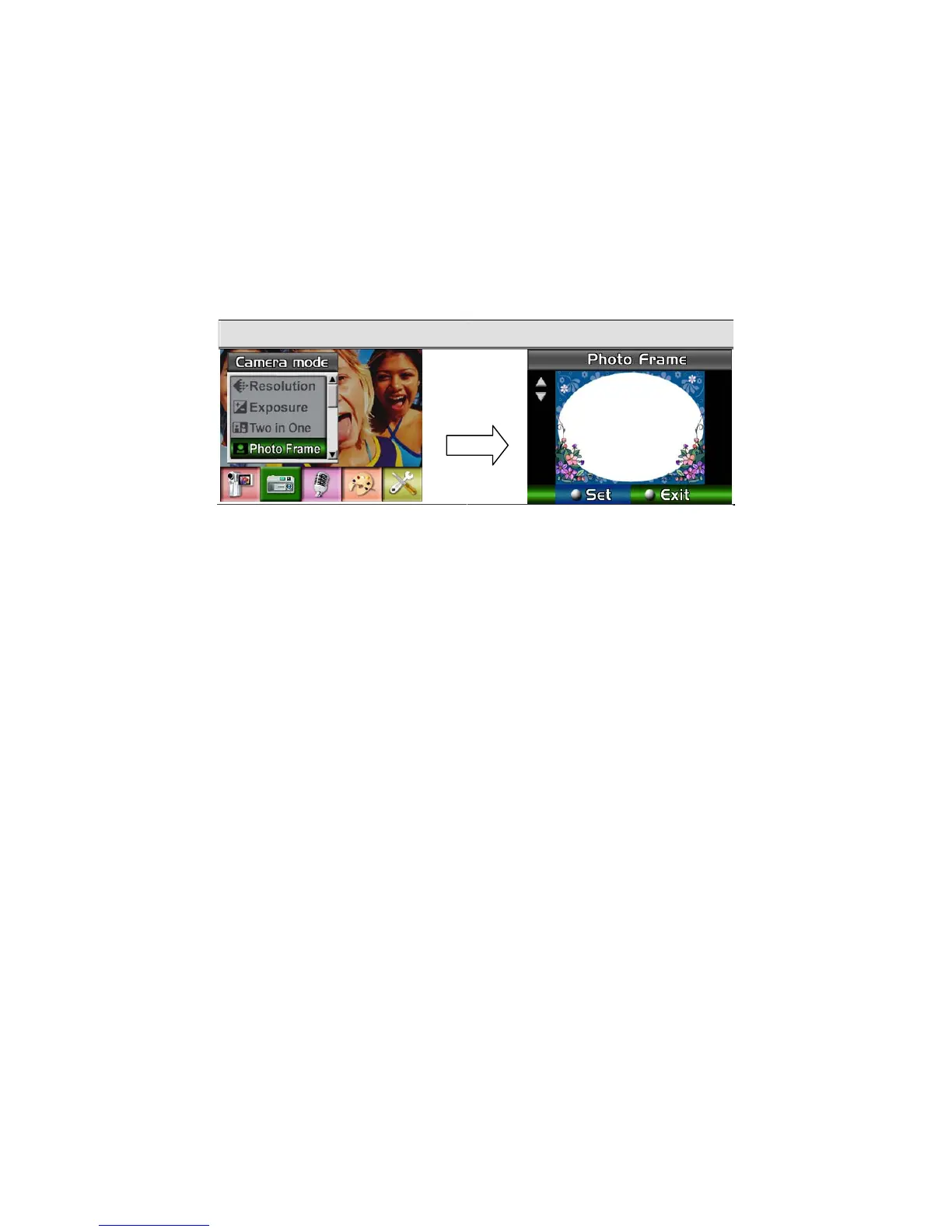
Photo Frame (Picture Record Mode Only)
Your camera features popular electronic photo frame. You can take your picture with preferred
electronic photo frame. To enable Photo Frame:
1. When in Camera Mode, use Up/Down Buttons to select Photo Frame option, then press
Enter Button to switch to Photo Frame submenu.
2. Use Up/Down Buttons to locate preferred photo frame. Then select Set option and press
Enter Button to validate the setting and exit.
Display Screen Photo Frame Option
Enter Button



 To Next Page