31
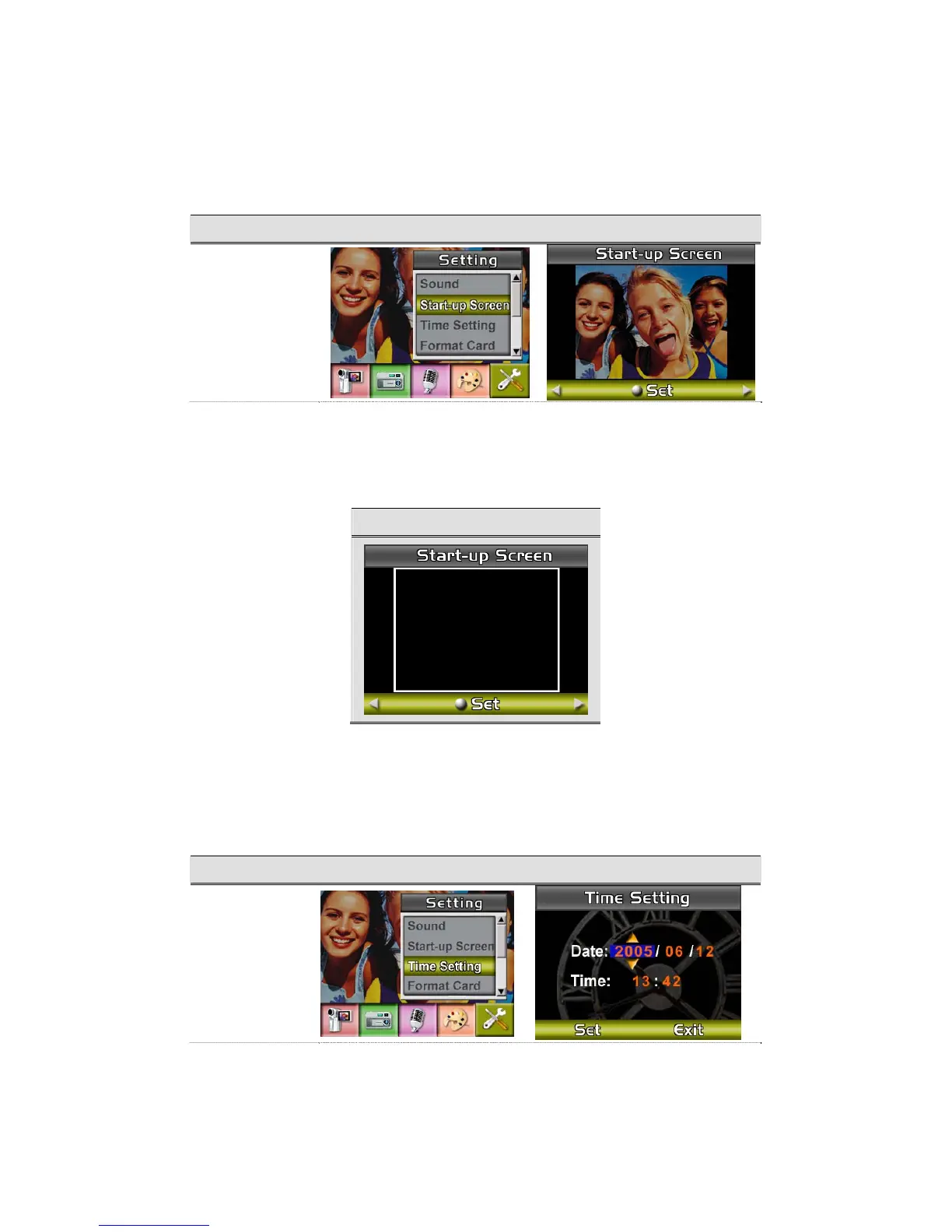
z Start-up Screen
Customize the Start-Up Screen with your favorite pictures. Press Right/Left Buttons to select
the picture you want and press Enter Button to validate the setting and exit.
Submenu Display Screen Start-Up Screen
Start-Up Screen
)
If you do not want to customize the start up screen, press Left/Right Buttons and select No
Start-Up Screen.
No Start-Up Screen
z Time Setting
z Move between Date, Time, Set and Exit by using Left/Right Buttons.
z Adjust date and time by using Up/Down Buttons, then select Set to validate each change.
z Select Exit to leave Time Setting without any change.
Submenu Display Screen Time Setting
Time Setting



 To Next Page