Caution: Please use the Delete feature with care. Once images are deleted they are
permanently deleted from the Micro SD Memory card. Please make sure that you only use this
feature once you have downloaded and saved all the images you wish to your computer.
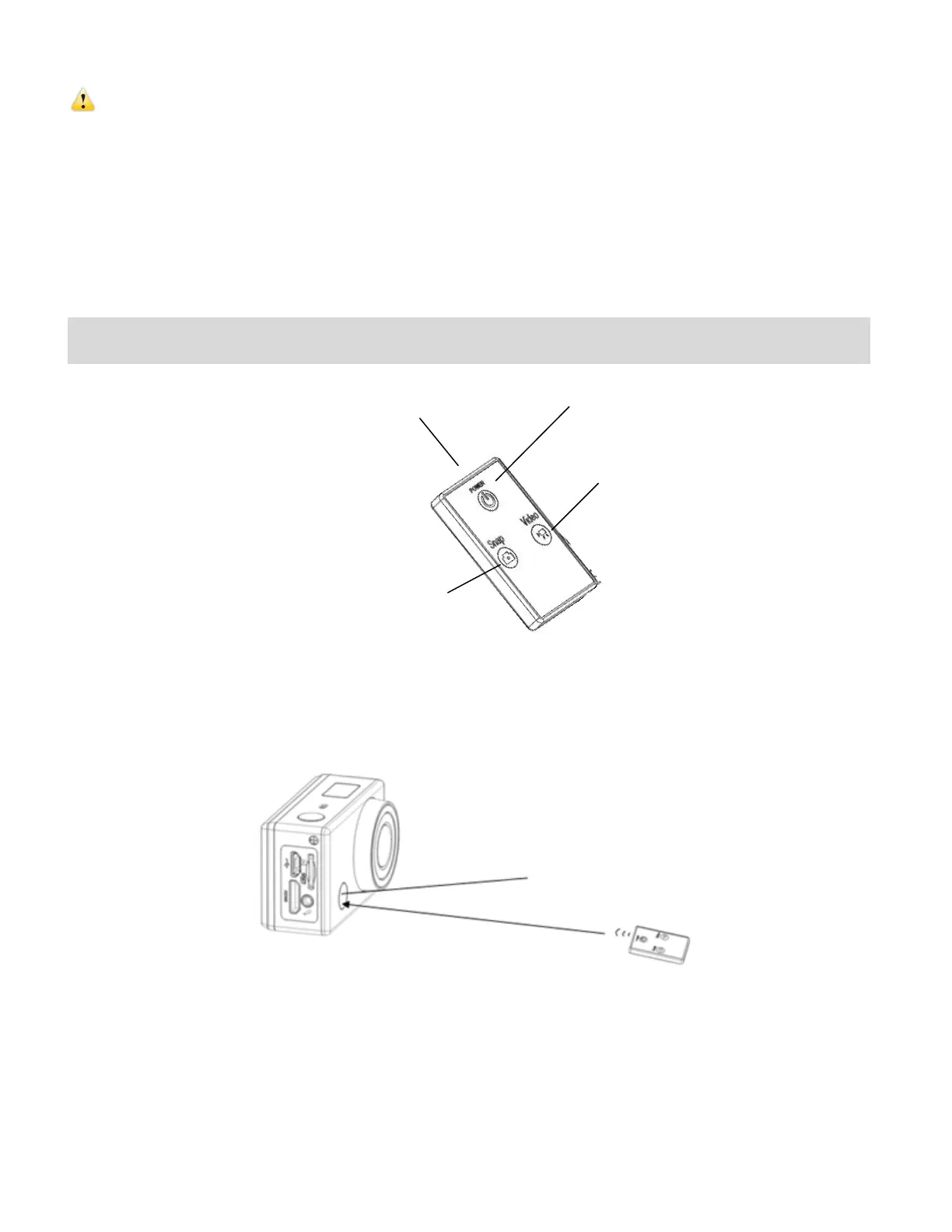
Remote Control
You can use the remote control to record videos, take photos and shut down the DV. When using
the remote control, aim the signal emission to the port to the infrared signal reception light of the
camcorder, and then press the Video button, Photo (Snap) button or POWER OFF button.
Infrared signal reception light


 To Next Page