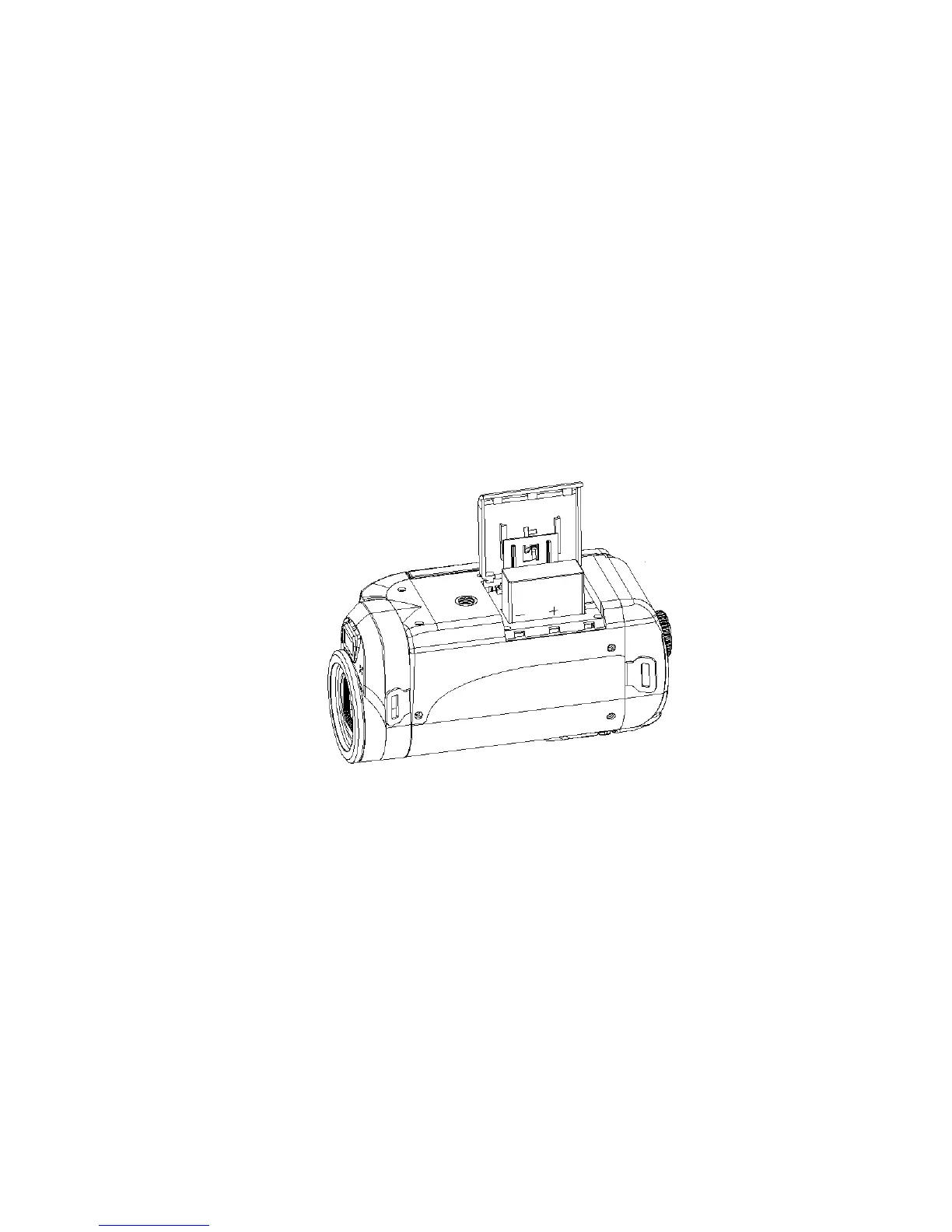
1. Slide and gently lift the battery cover to open the battery compartment on the
bottom of the camera.
2. Insert the battery with the metallic contacts aligned with the contacts in the
compartment and wait to hear the battery click in place.
3. Return and close the battery cover.
Note:
On removing the battery from the camera the photos, videos and audio clips in limited
built-in memory will not be lost.
Limited internal memory is provided in order to get you started.



 To Next Page