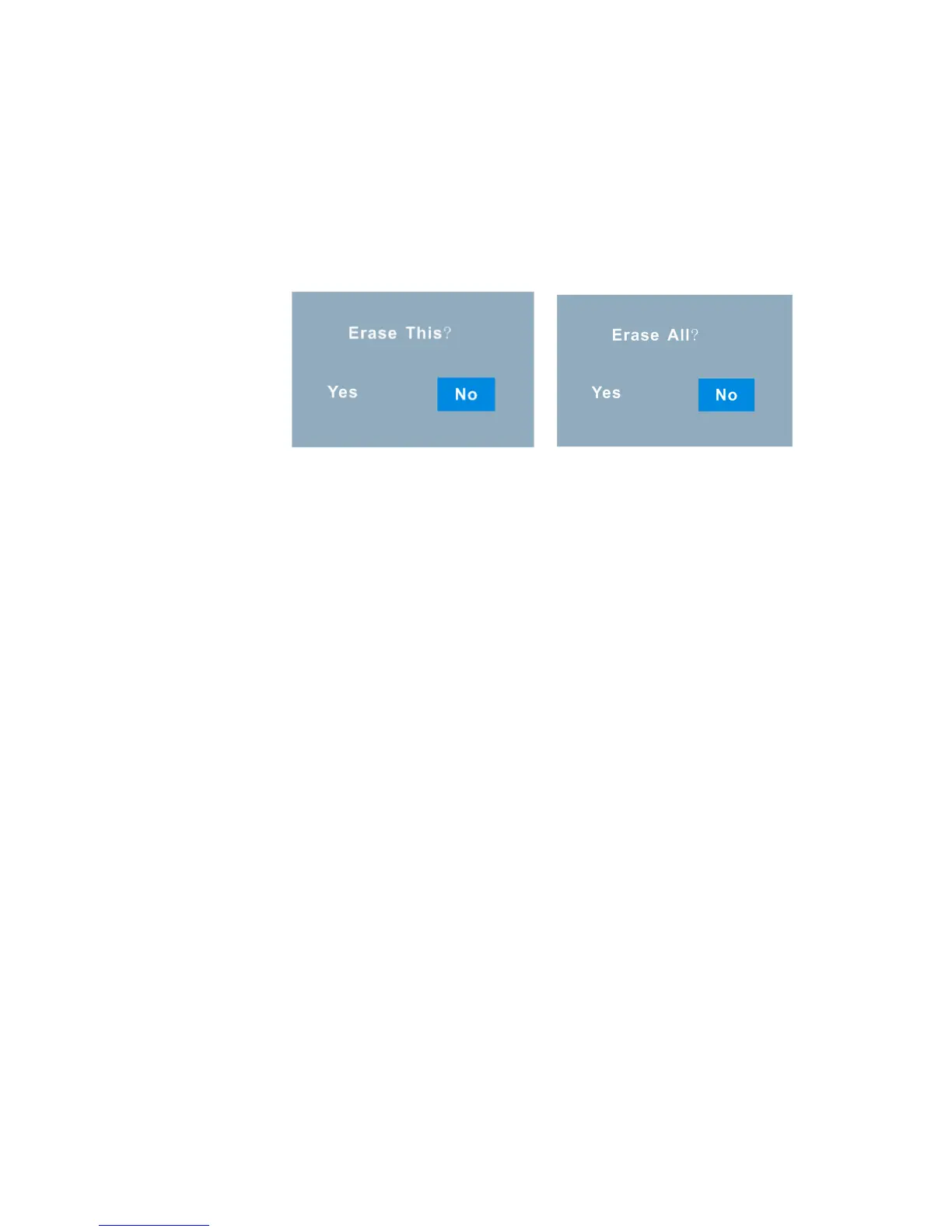
An Erase confirmation message appears - “Yes” to erase and
“No” to exit to the thumbnail screen without erasing.
Push the OK joystick button Left/Right to choose Yes or No.
Press the OK button.
If you selected “Yes”, the image(s) is deleted.
Note: If there are no images in your memory the “No Image” message will
appear on the LCD screen.
Playback Mode Functions
In Playback mode, press the Menu function button on the top left of the LCD Panel of
the camera.
The LCD will display 2 mode tabs – PLAY and SETUP.



 To Next Page