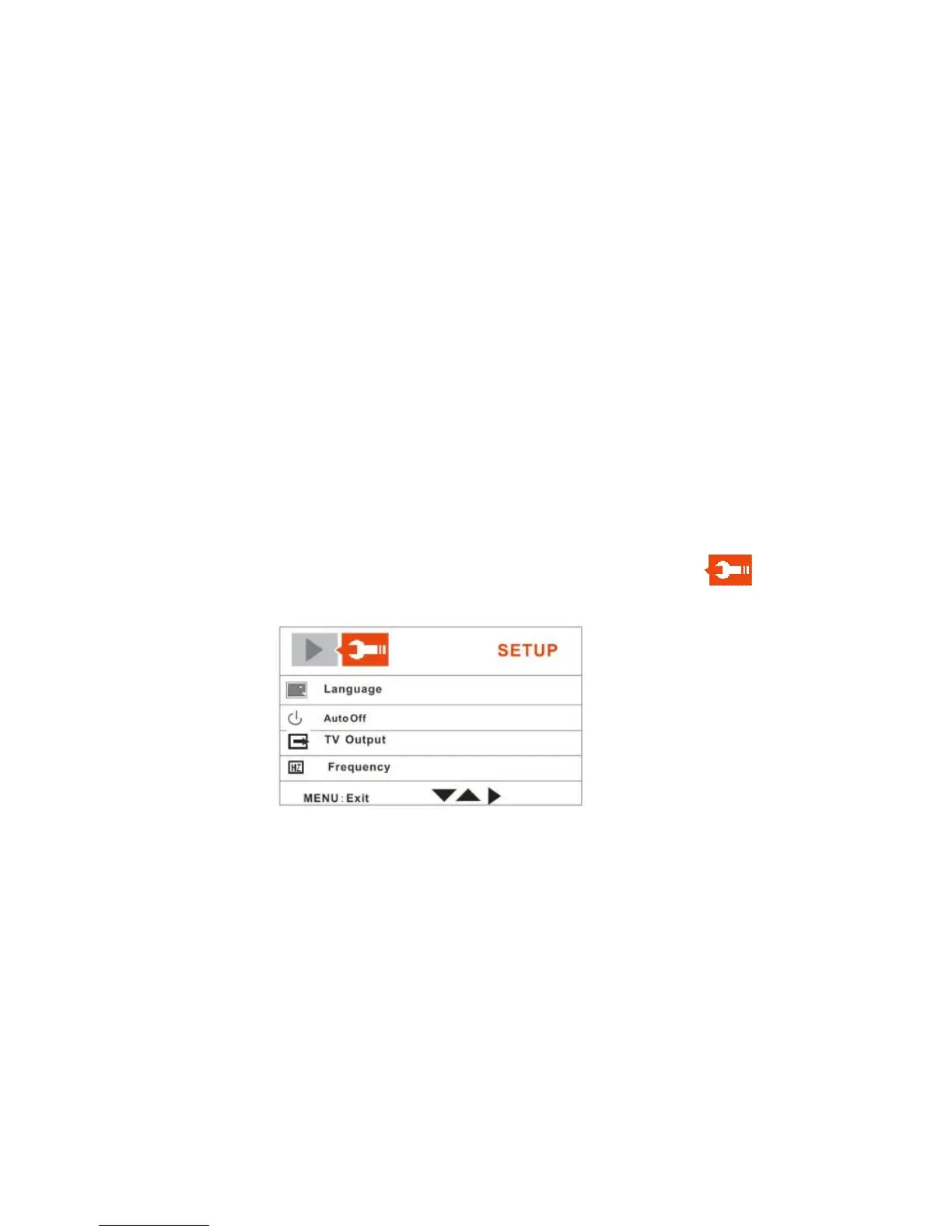
Setup Mode
You can change the Setup options of your camera from the Camera, Video or
Playback modes.
1. Turn the camera on and turn the dial mode to any one of the Camera, Video
or Playback modes
2. In any one of the modes, press the Menu button.
3. The LCD will appear with 2 tabs at the top of the screen.
4. Push the OK joystick button Right to move to the SETUP tab.
5. The Setup menu opens.
6. Push the OK joystick button Up/Down to select the Setup option that you
wish to change:



 To Next Page