Note: If you wish to exit this erase mode now, press the Menu button.
13. Press the OK button.
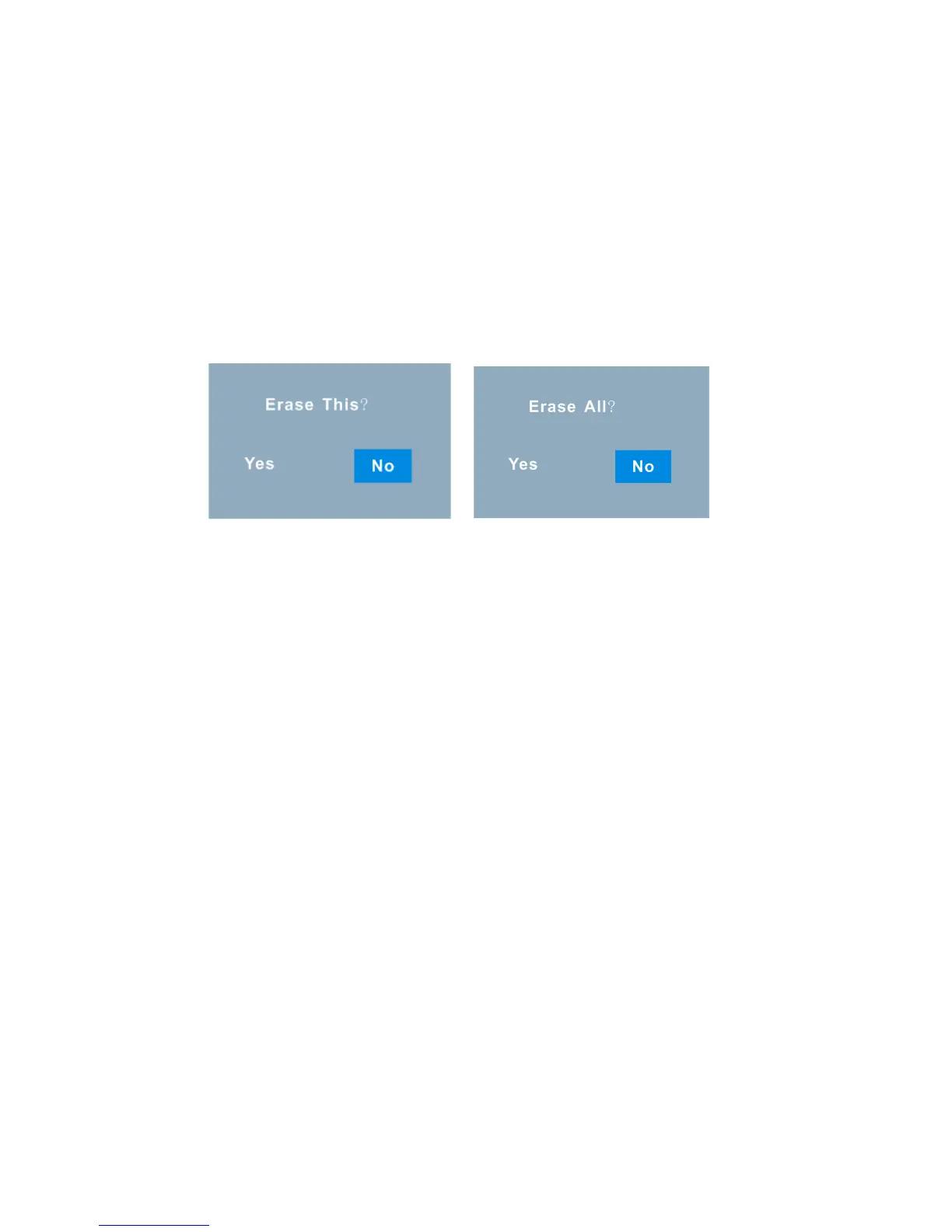
14. An Erase confirmation message appears - “Yes” to erase and “No” to exit without
erasing.
15. Push the OK joystick button Right/Left to highlight and choose Yes or No.
16. Press the OK button.
17. If you selected “Yes”, the image(s) is deleted.
Capturing Videos
In order capture videos (with audio) turn the mode dial to line the video mode picture
with the red dot.



 To Next Page