3. A icon will appear with a photo icon and date/time on the bottom of the
LCD or a video icon and the time of that video clip will appear at the top right of
the LCD to indicate that the file is a video.
4. To play the video, press the Video record/play button.
5. Press the Video record/play button again to stop the video.
6. To delete an image, press the Del/Flash button on the bottom left of the LCD
Panel.
7. Alternatively, push the W zoom button to the Left to open and show all the
images as thumbnails.
8. The last image selected will have a red boarder around it.
9. To select another image push the OK joystick button Right/Left/Up/Down.
10. Press the Del/Flash button on the bottom left of the LCD Panel.
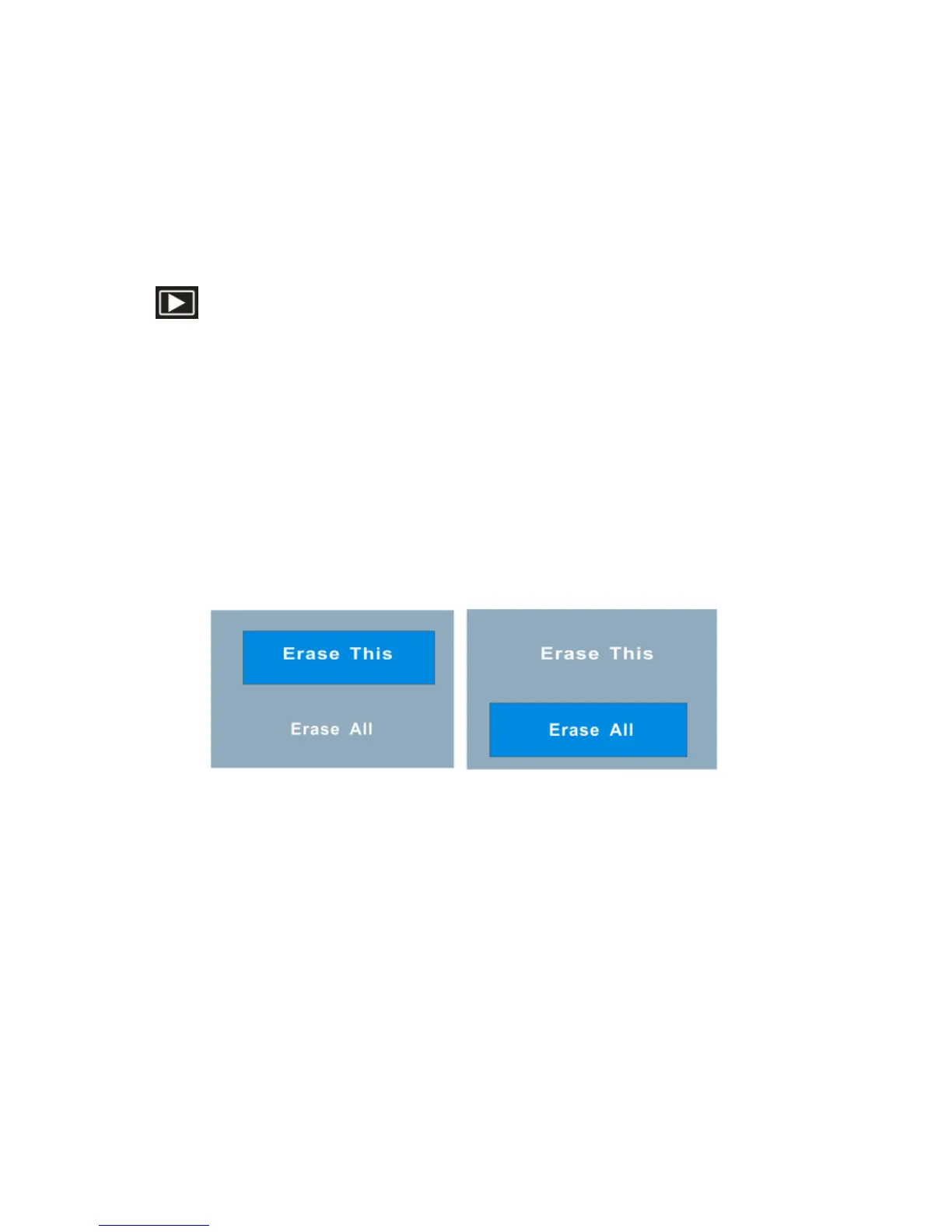
11. The Erase message will appear on the LCD.
12. Push the OK joystick button Up/Down to select either “Erase This” to erase the
selected image or “Erase All” to erase all the unprotected images from the
memory.



 To Next Page