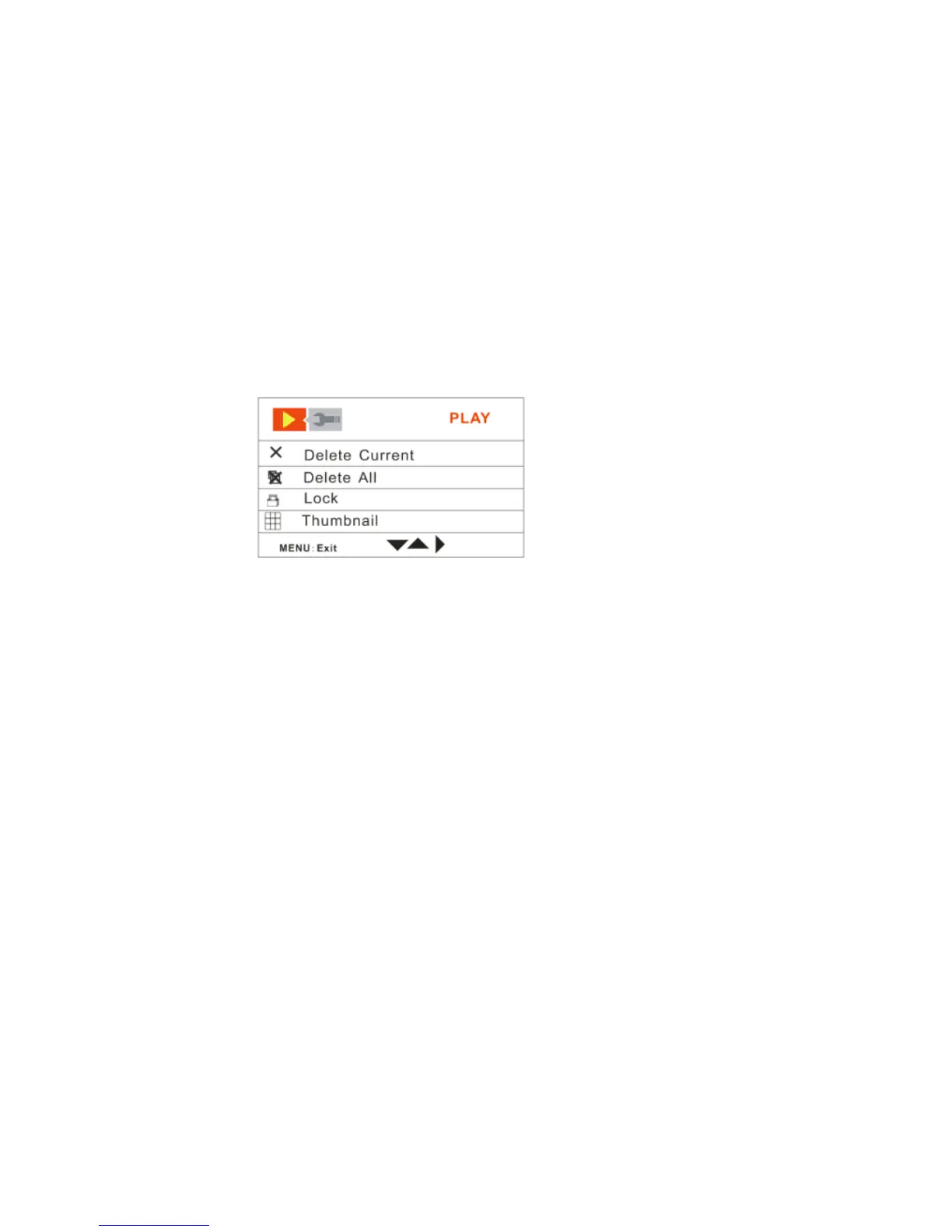
By default the Play tab will open with the menu options appearing:
Delete Current, Delete All, Lock, Thumbnail, Rotate and Slideshow
Delete Current
This mode is used to delete the selected file.
1. Select a file in the Playback mode.
2. Push the OK joystick button Up/Down and select the Delete Current mode option.
3. Push the OK joystick button Right for the Delete Current options submenu to
appear:
Yes, No



 To Next Page