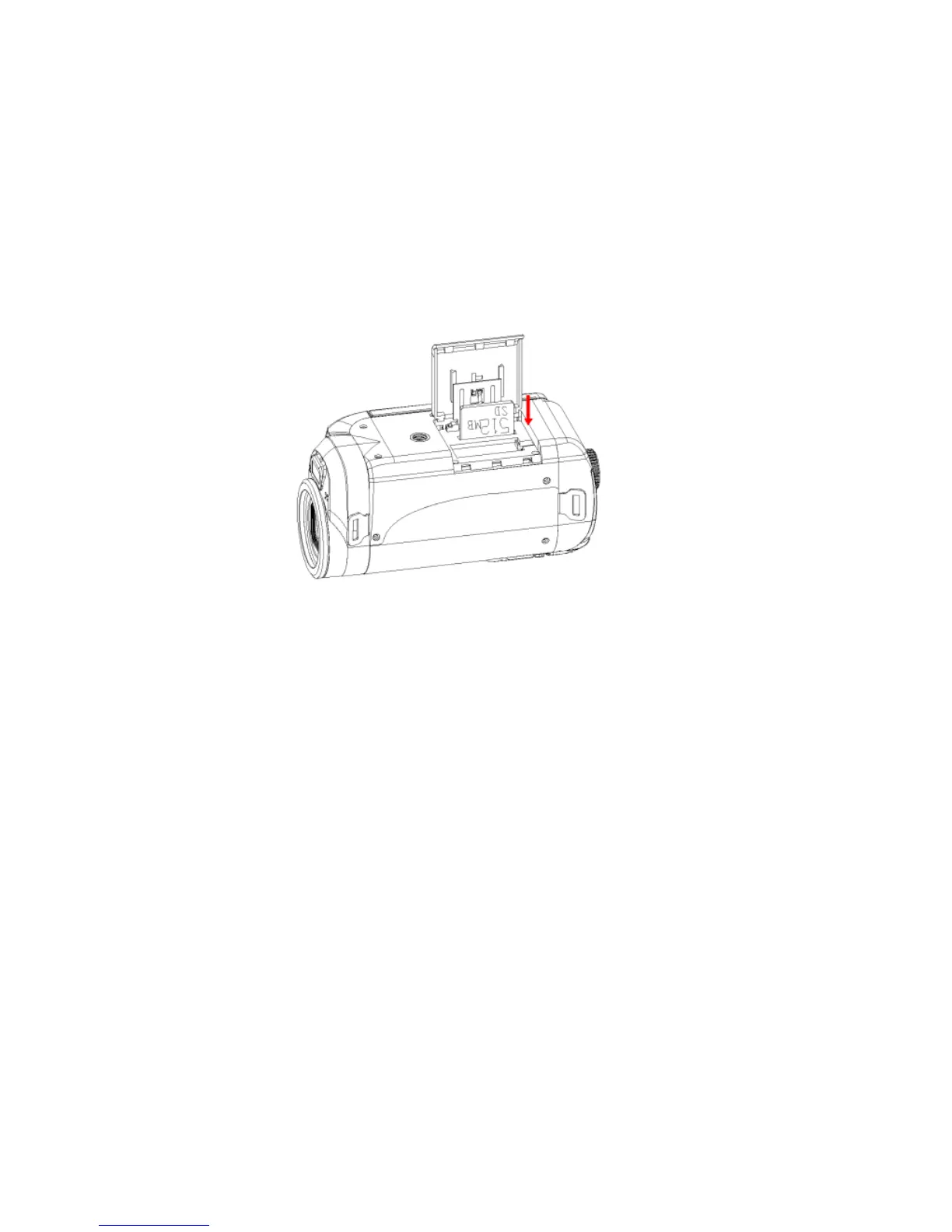
Media sitting on the SD memory card is not lost when your camera’s power runs low or on
recharging the battery.
1. The camcorder should be powered off before inserting the SD card.
2. Make sure the card is not locked. Locked cards will not be able to have media
transferred to them or be formatted.
3. Open the battery cover on the bottom of the camera and locate the SD card slot.
4. Insert the SD memory card correctly in the direction shown.
5. The card should easily slide into the slot. If you feel resistance turn the card
around and try again.
6. Press the memory card in until you hear a “Click” sound. The memory card when
properly inserted will sit flush with the camera.



 To Next Page