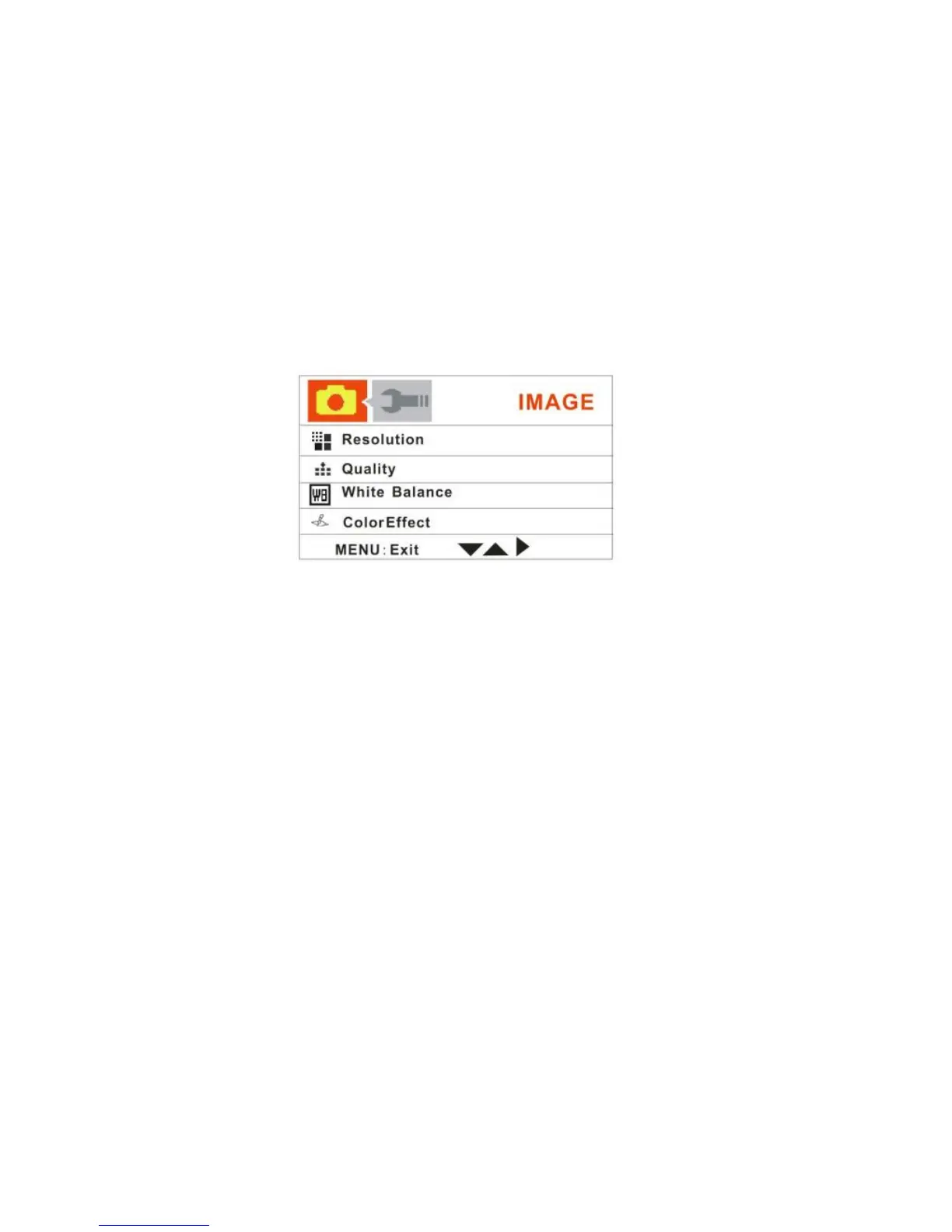
Resolution, Quality, White Balance, Color Effect, Exposure, Date Stamp, Self Timer,
and Burst Snapshot
Resolution
You can select different Photo resolutions. Using the smaller resolution allows you
to take more photos. Photos captured at higher resolution are of better quality but
take up more memory.
1. Push the OK joystick button Down to select the Resolution mode.
2. Push the OK joystick button Right for the 5 Resolution options submenu to
appear:
12M, 8M, 5M, 3M, or 0.3M.



 To Next Page