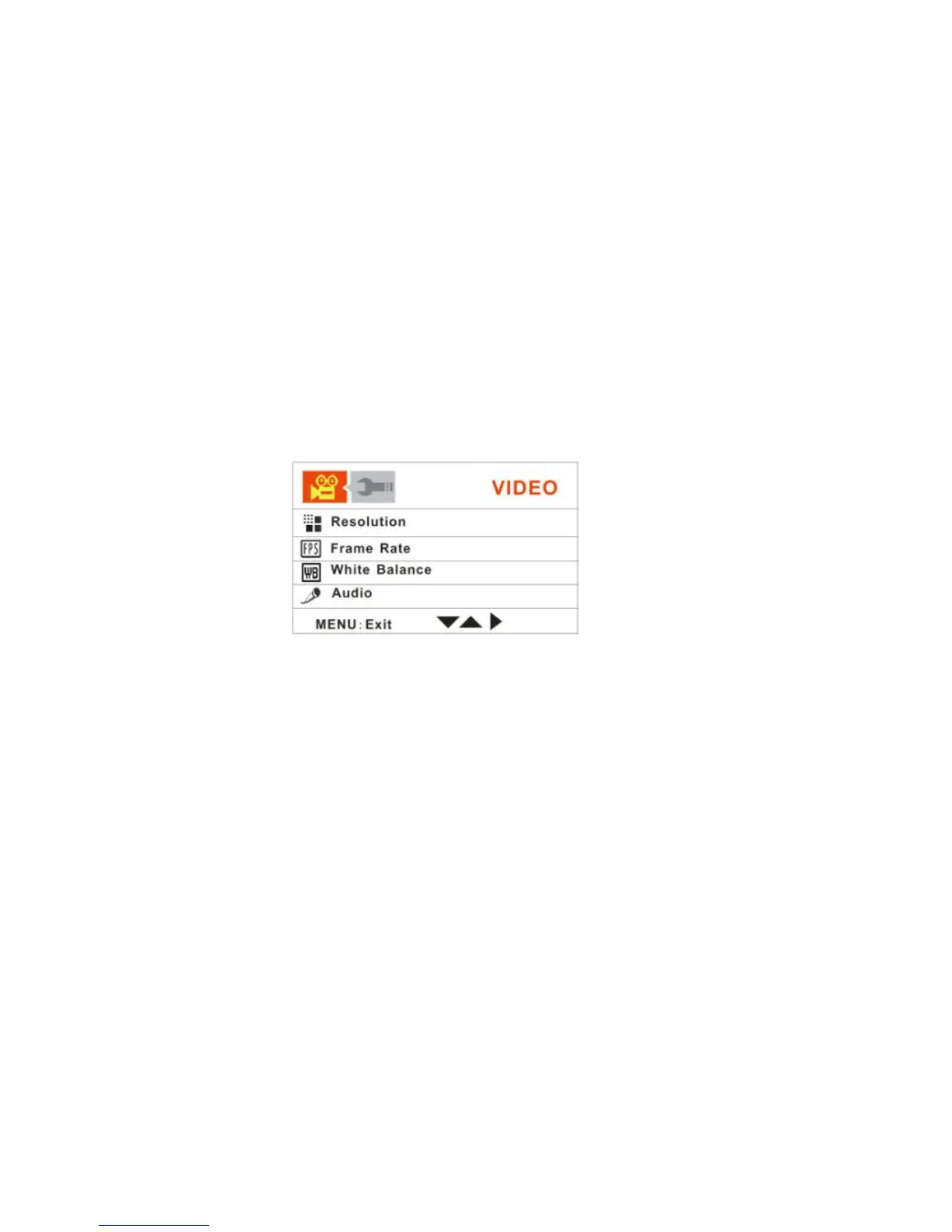
In Video mode, the Menu button on the top left of the LCD Panel.
The LCD will display 2 mode tabs – VIDEO and SETUP.
By default the Video tab will open with the menu options appearing:
Resolution, Frame Rate, White Balance and Audio
Resolution
This setting allows you to control the size of your images. Higher resolution images
take up more memory than lower resolution images.
1. Push the OK joystick button Up/Down to select the Resolution mode.
2. Push the OK joystick button Right for the Resolution submenu options to appear:
1280*720 (HD), 720*480 (SD).



 To Next Page