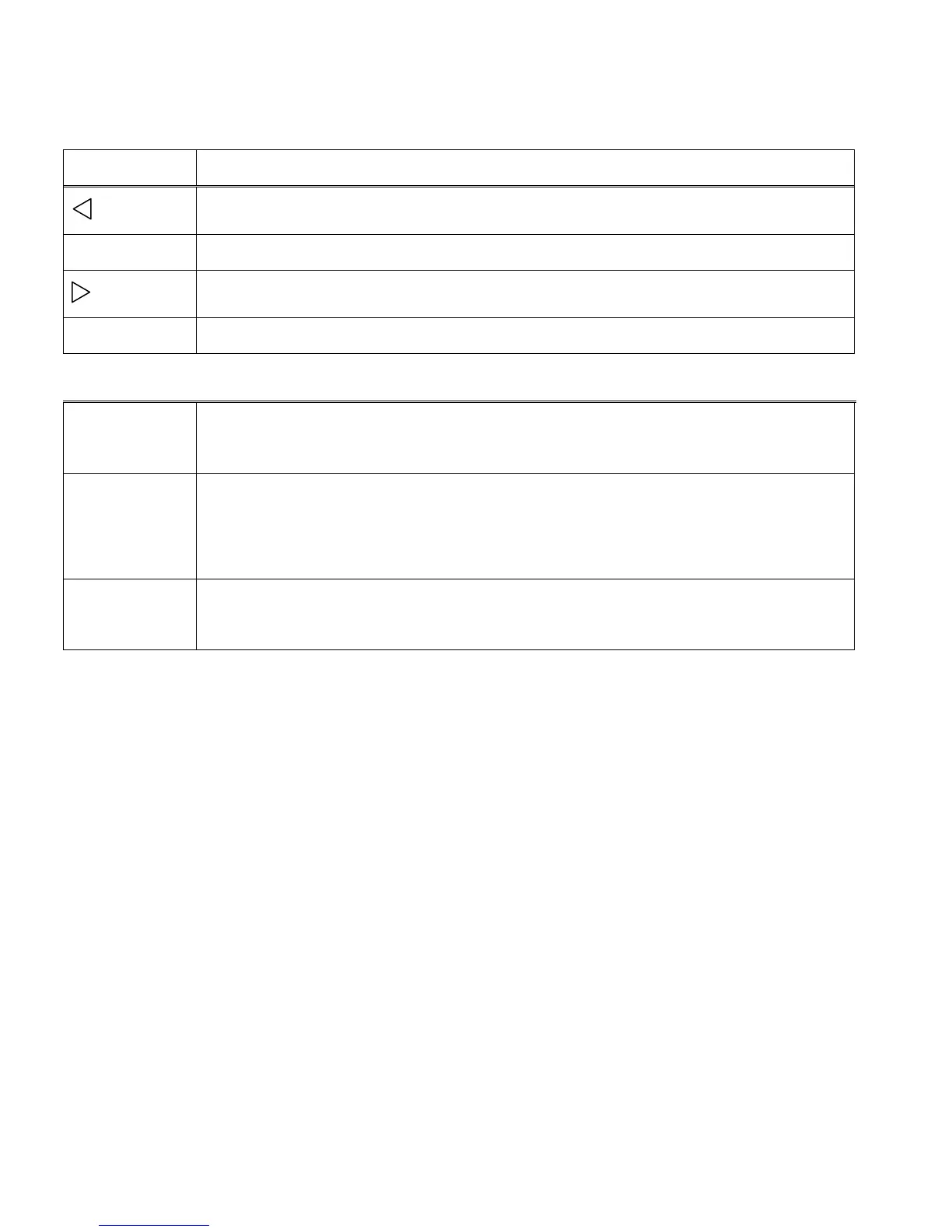
Video Capture Mode Quick Function Buttons
Your digital video recorder has a four-directional pad and additional buttons that functions as Quick
Function buttons.
Video Resolution – Changes between 720P and 640 Video Resolution
Starts and stops your video capture.
Confirms and saves your menu selection.
Opens and exits the Video Capture and Camera Settings Menu options.
Note: To navigate through the Menus, use the Left, Up, Right, and Down
directions control buttons.
Toggles between the Video Capture Mode, Photo Capture Mode, and
Playback Mode.
LED Flash Option
To increase the lighting in dark situations, press the LEFT button to activate the 2 LED Flash Lights
on the front of the camera. A flash icon appears on the LCD indicating the LED Flash is on.
Press the LEFT button again to turn the LED Lights off.
Video Capture Mode Menus
Movie Size Menu
The Movie Size menu allows you to choose the desired size of the images taken by your camera.
Keep in mind that images with a higher resolution will also take up more of your camera‟s memory.
1) Press the MENU button to open the menus for the current mode.
2) Press the UP or DOWN direction control buttons to scroll through the menu options and select
Movie Size.



 To Next Page