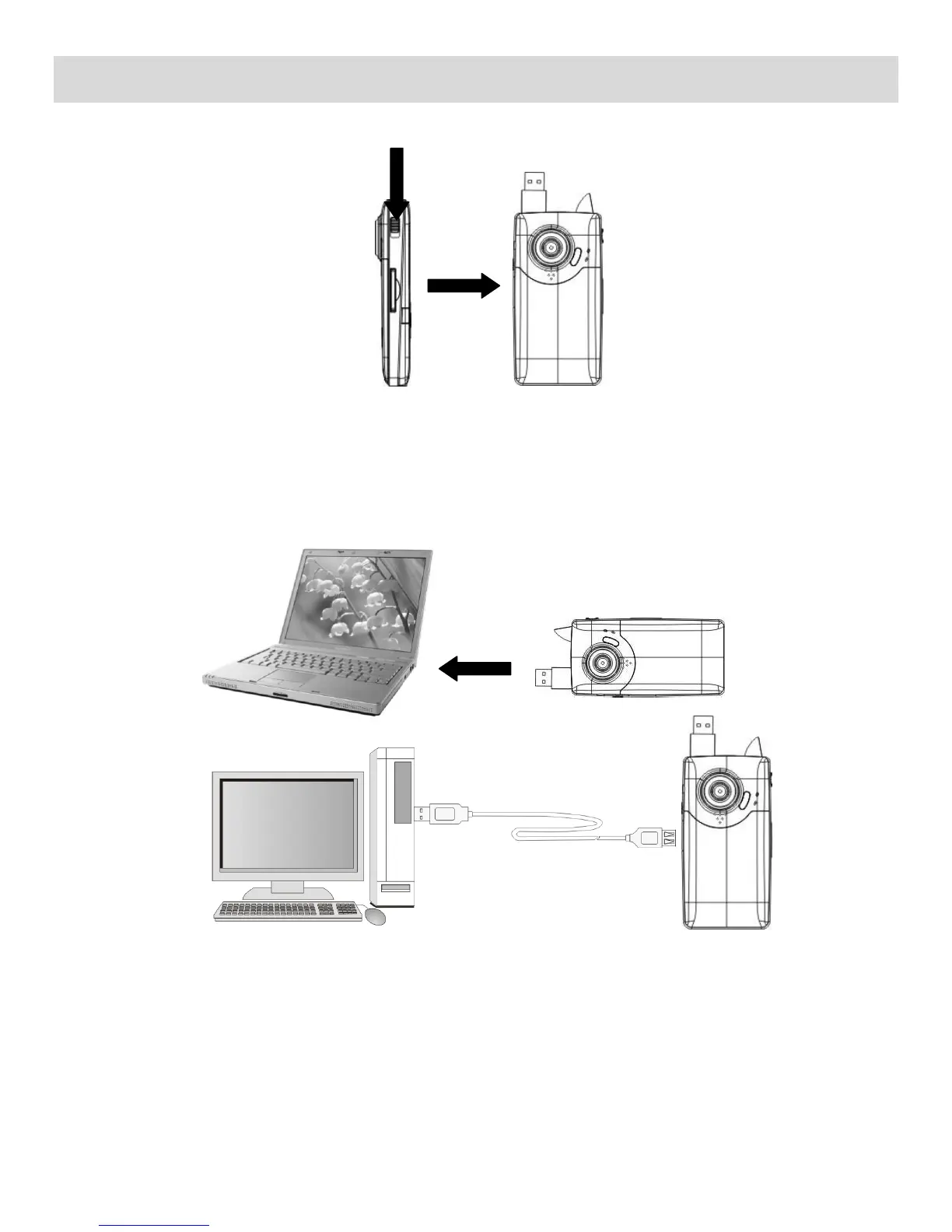
Connecting the Camera to the Computer
1) Slide the USB switch up to reveal and extend the built-in USB connector.
2) Power the camcorder on.
3) Insert the camera‟s built-in USB connector to the computer‟s USB port or use the supplied USB
extension cable to make the connection.
4) The first time you connect the device to the computer you will have to wait a few seconds until the
computer recognizes the device.



 To Next Page