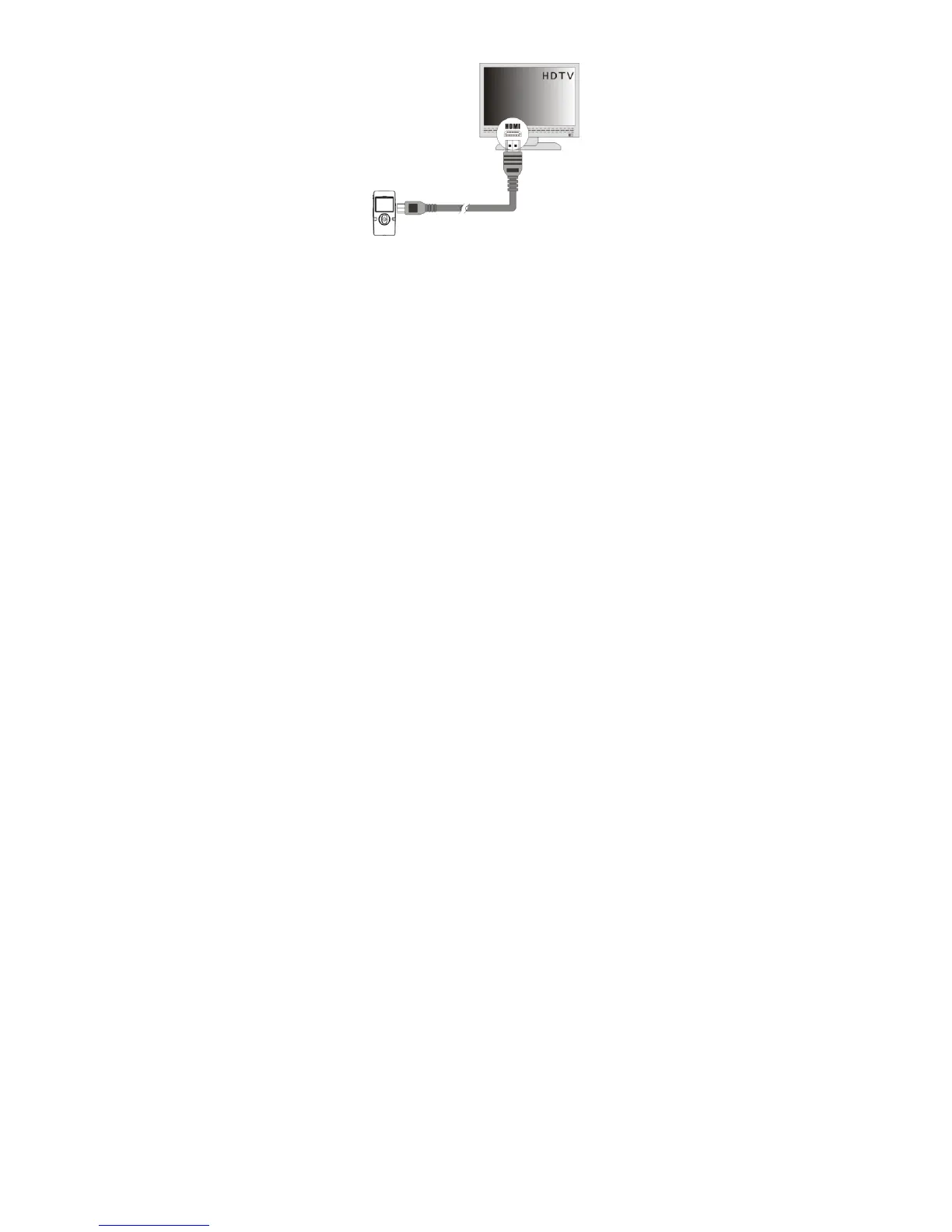
1) Connect the camera to an HDTV with the HDMI cable.
2) Turn on the HDTV and switch to HDMI-mode.
3) Turn on the camera. When the camera is set to Video or Photo Capture mode, you can preview
the subjects you want to record or photograph on the TV screen and view the recording on the
TV.
4) When the camera is set to Playback mode, you can review all the stored photos and videos on
the TV.
5) In Playback Mode, push the LEFT or RIGHT button to select the video file to view.
Press the Shutter button to play the selected video file. Press it again to pause playing.
Press the UP button to stop the video.



 To Next Page