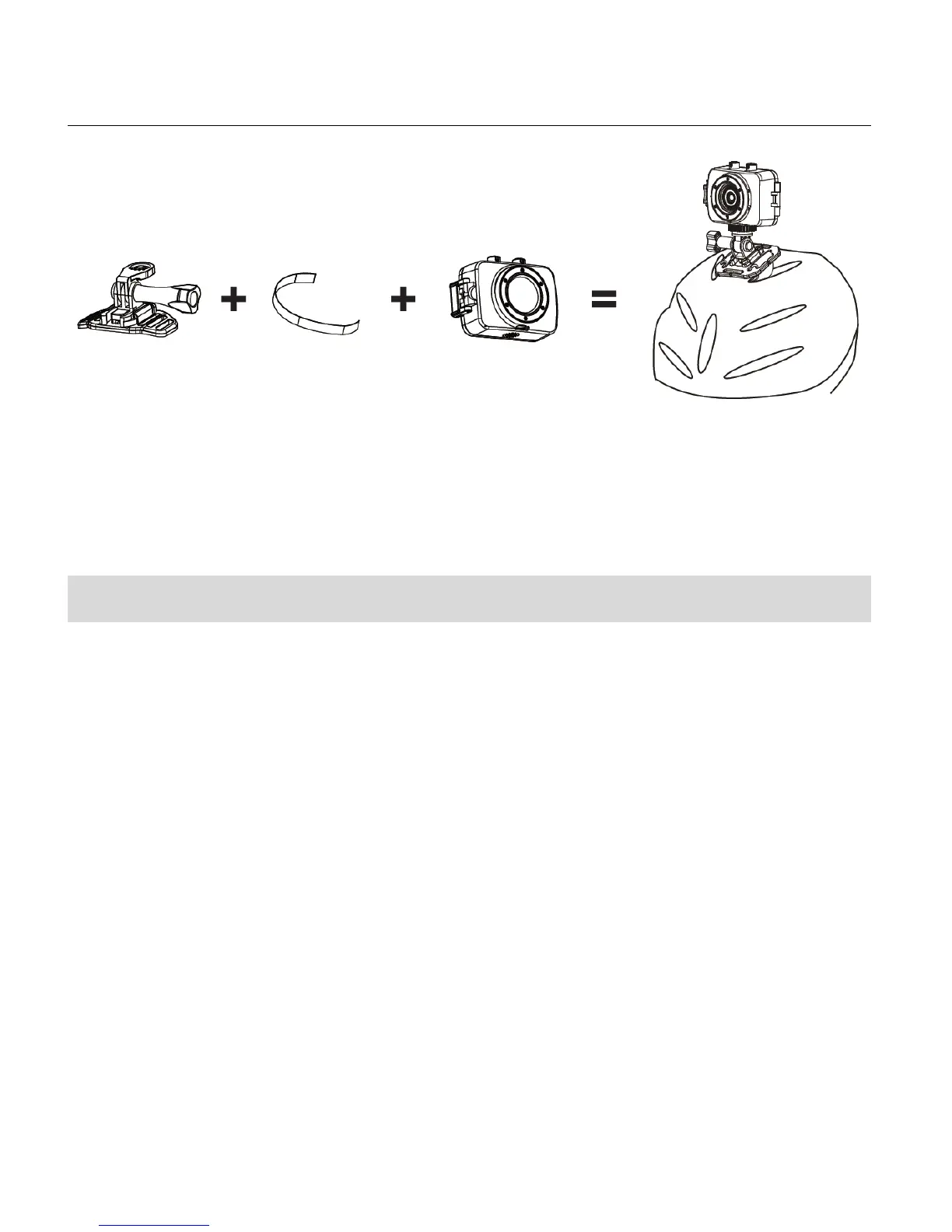
INSTALLING THE HELMET MOUNTING SYSTEM
Powering On Your Camcorder
1. Press and hold the POWER button for about 3 seconds to turn on the camcorder.
The LCD screen briefly displays the ‘Vivitar’ screen and opens to the Video Capture Mode.
2. Press and hold the POWER button again for about 3 seconds to turn the power off.
The LCD screen briefly displays ‘Goodbye’ and then powers off.



 To Next Page