Changing Camcorder Mode
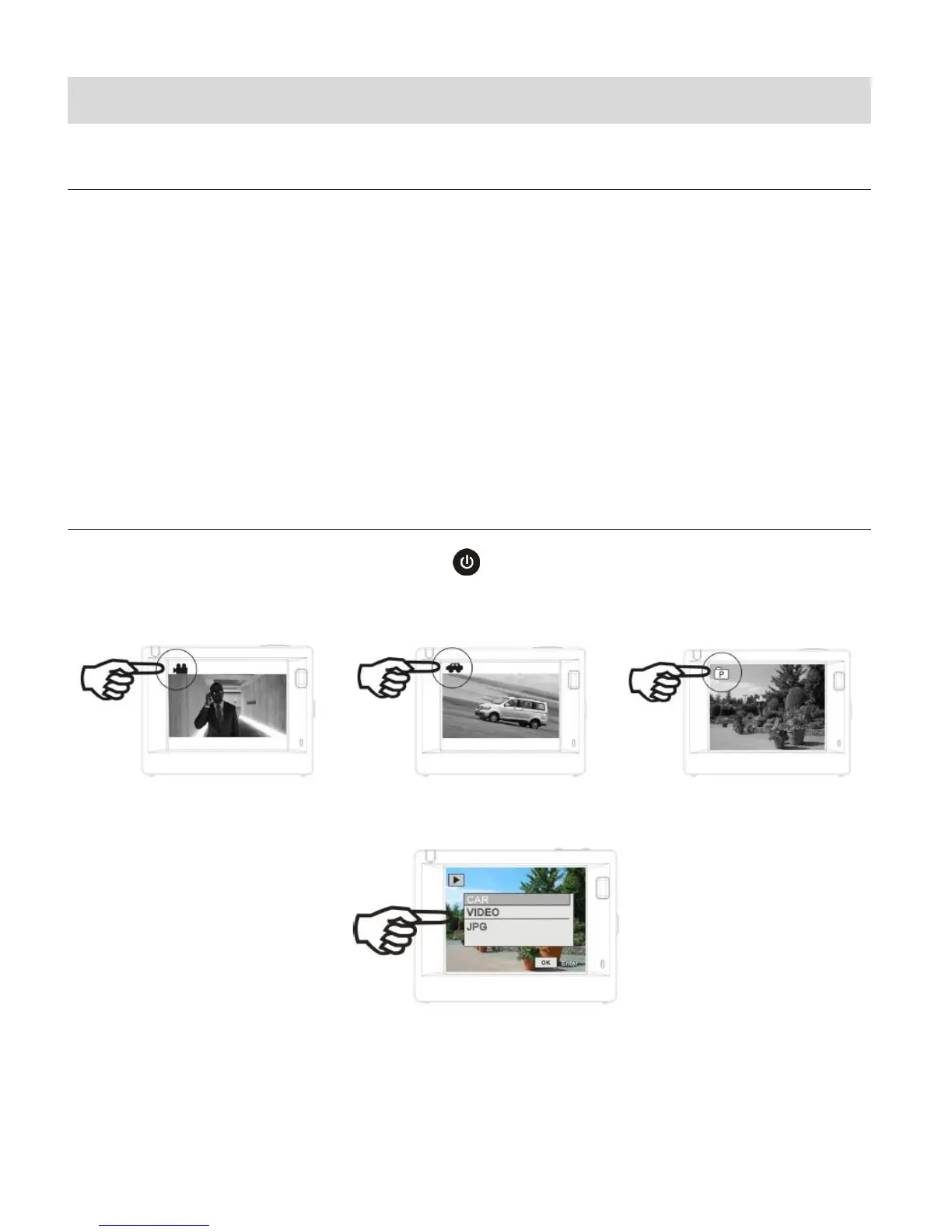
CAMCORDER MODES
1. Video Capture Mode (standard) - Use this mode to capture videos with your camcorder.
2. Video Capture Mode (Car Carrying) – Use this mode to capture videos in motion with
your camcorder.
3. Photo Capture Mode - Use this mode to capture photos with your camcorder.
4. Playback Mode (for photos and videos) – Connect to your camcorder to your computer
or television to use this mode to view your captured photos and videos.
SWITCHING MODES
After turning on the camcorder, can press the POWER/MODE button to switch between the
four modes in turn:
Video Capture Mode - Standard Video Capture Mode – Car Carrying Photo Capture Mode



 To Next Page