Playback Mode
The Playback mode allows you to review, protect and delete photos and videos that you’ve
captured with you camcorder.
To enter Playback Mode, power on your camcorder and then short press the POWER/MODE
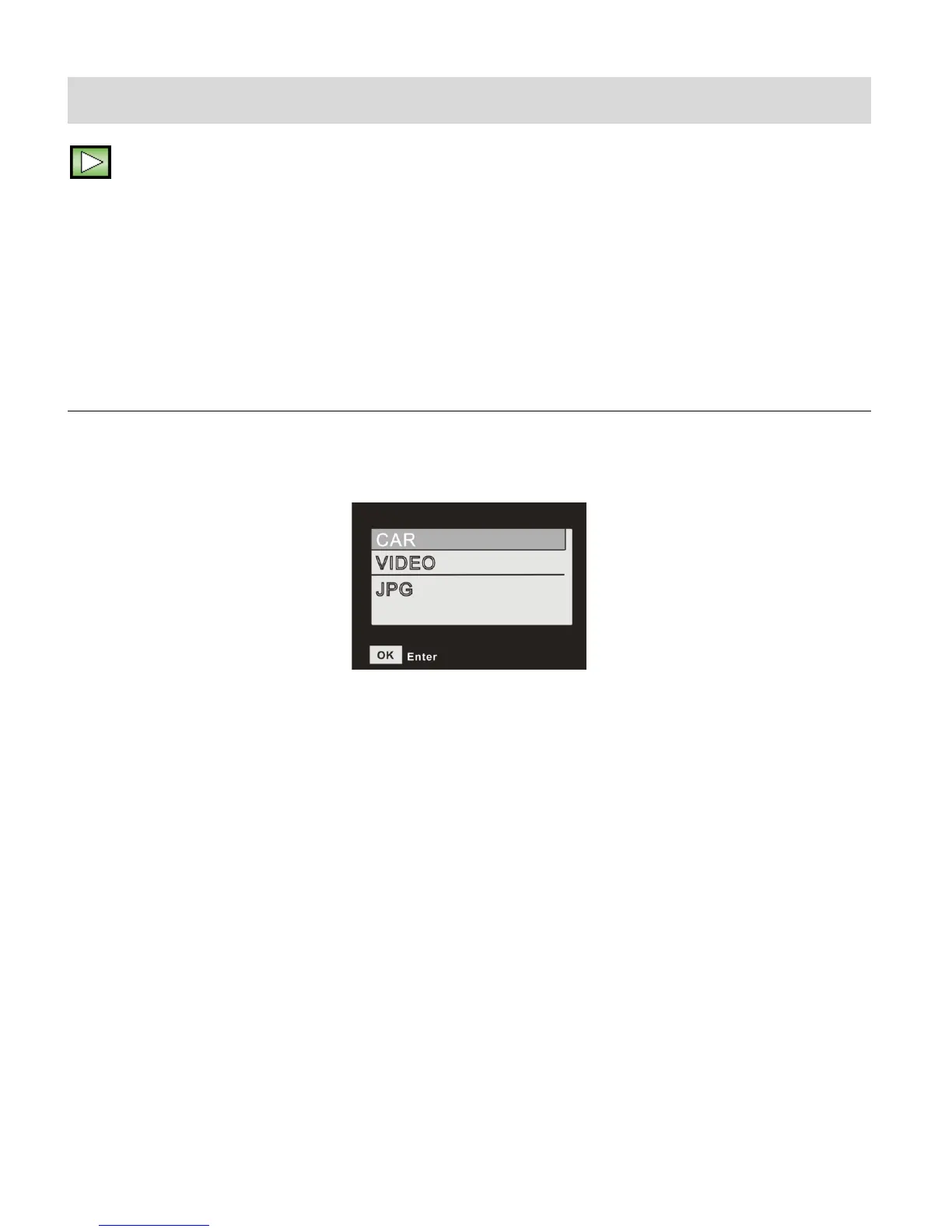
button until the camera enters Playback Mode. ‘CAR, VIDEO, JPG’ appear on the screen.
VIEWING CAPTURED IMAGES
While in Playback mode, you can scroll through your captured videos and photos to view each
image. The following Playback Main Menu list appears on the screen:
To select which type of image to view:
1. Press the DOWN (WIFI) button to scroll and select between:
- CAR (Car Carrying Video Playback)
- VIDEO (Standard Video Playback Mode)
- JPG (Photo Playback)
2. Press the SHUTTER/OK button to select the highlighted option. This then opens a screen
for that selected image type - listing the files and details as per your captured images.
Playback Main Menu Screen



 To Next Page