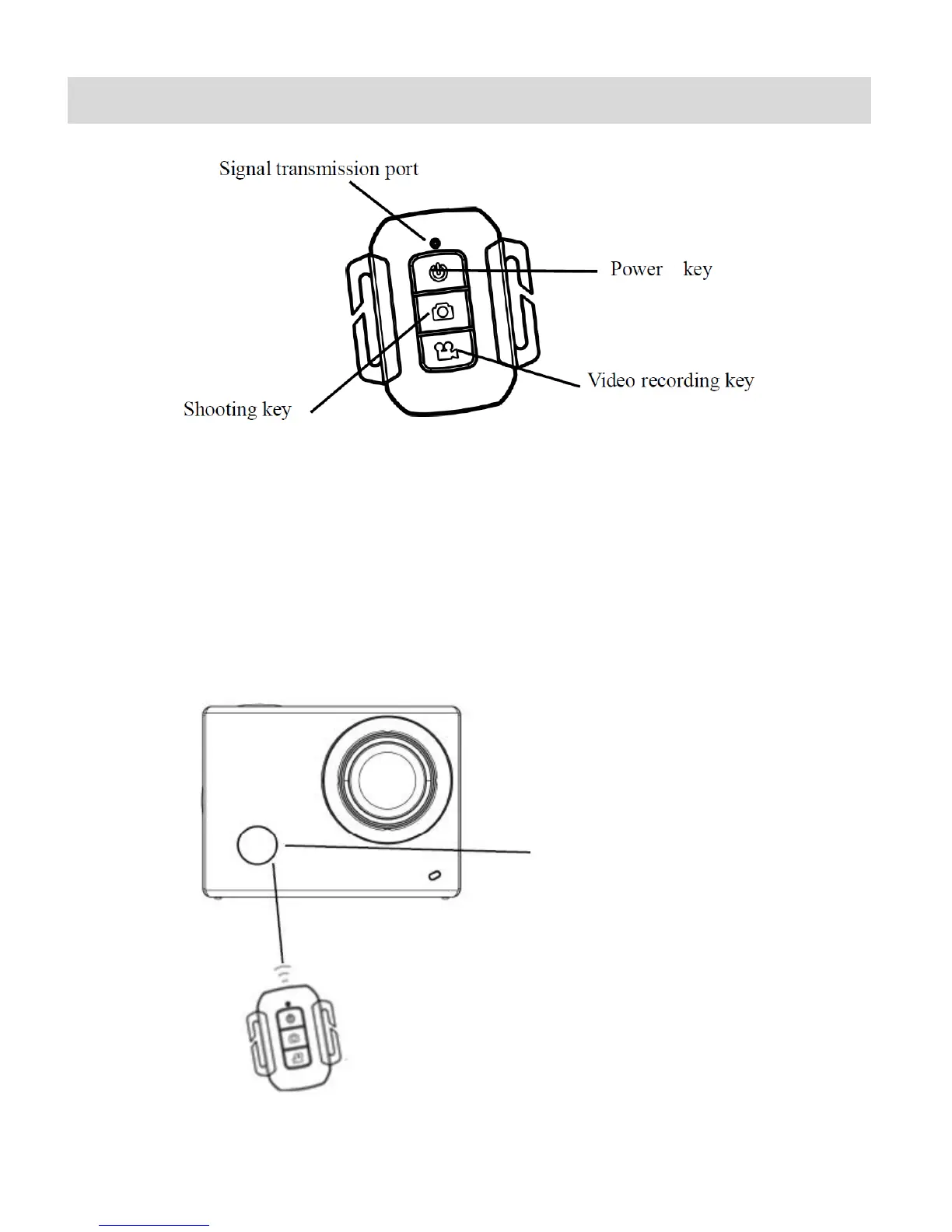
Remote Control
You can use the remote control to record videos, take photos and power off your camcorder,
without operating the camera. When using the remote control, aim the remote control’s signal
transmission port to the infrared signal reception light on the camcorder, and then press the
Video Recording key to capture videos, the Photo (Shooting) key to take a picture or the
POWER key to turn off the camcorder.
Infrared signal reception light



 To Next Page